
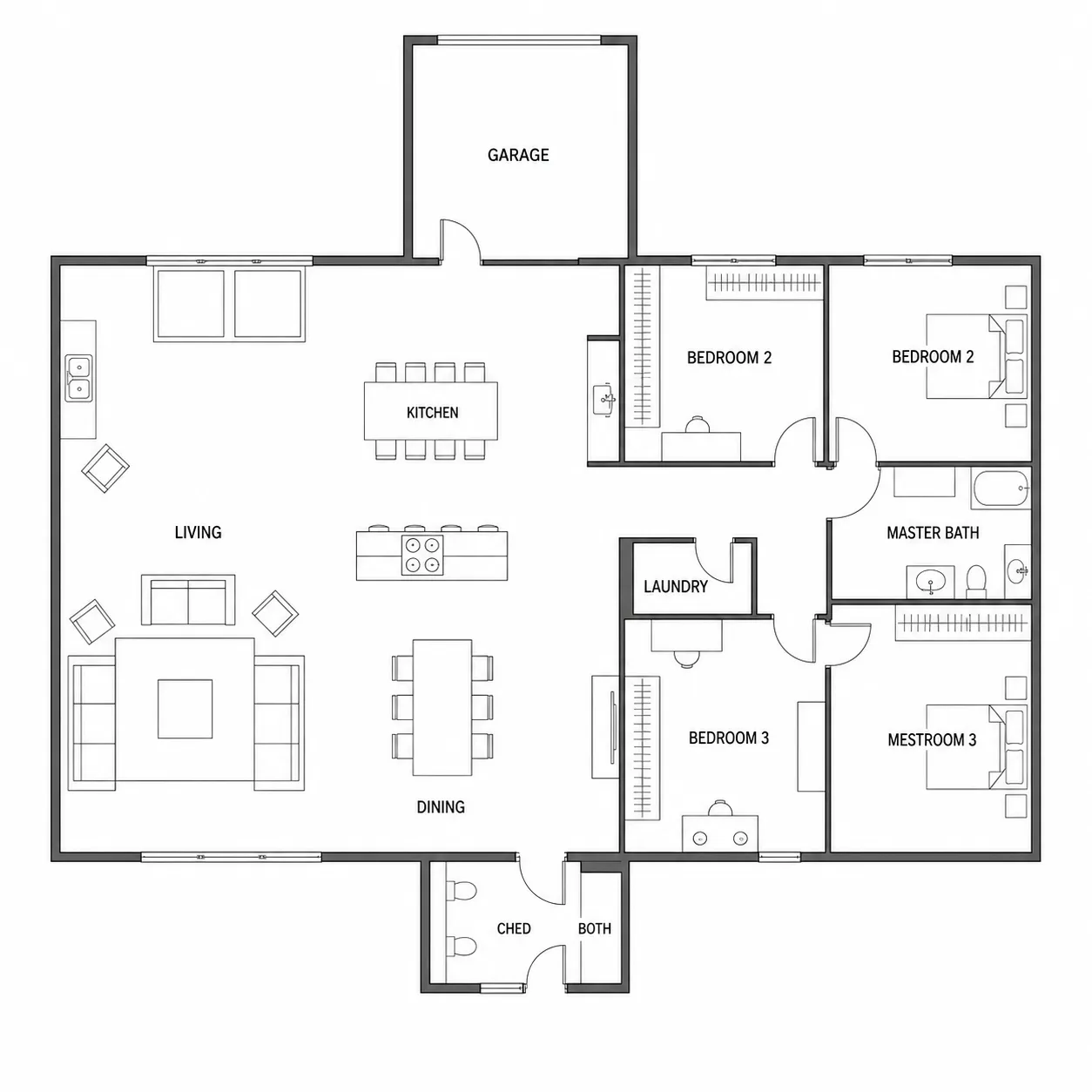
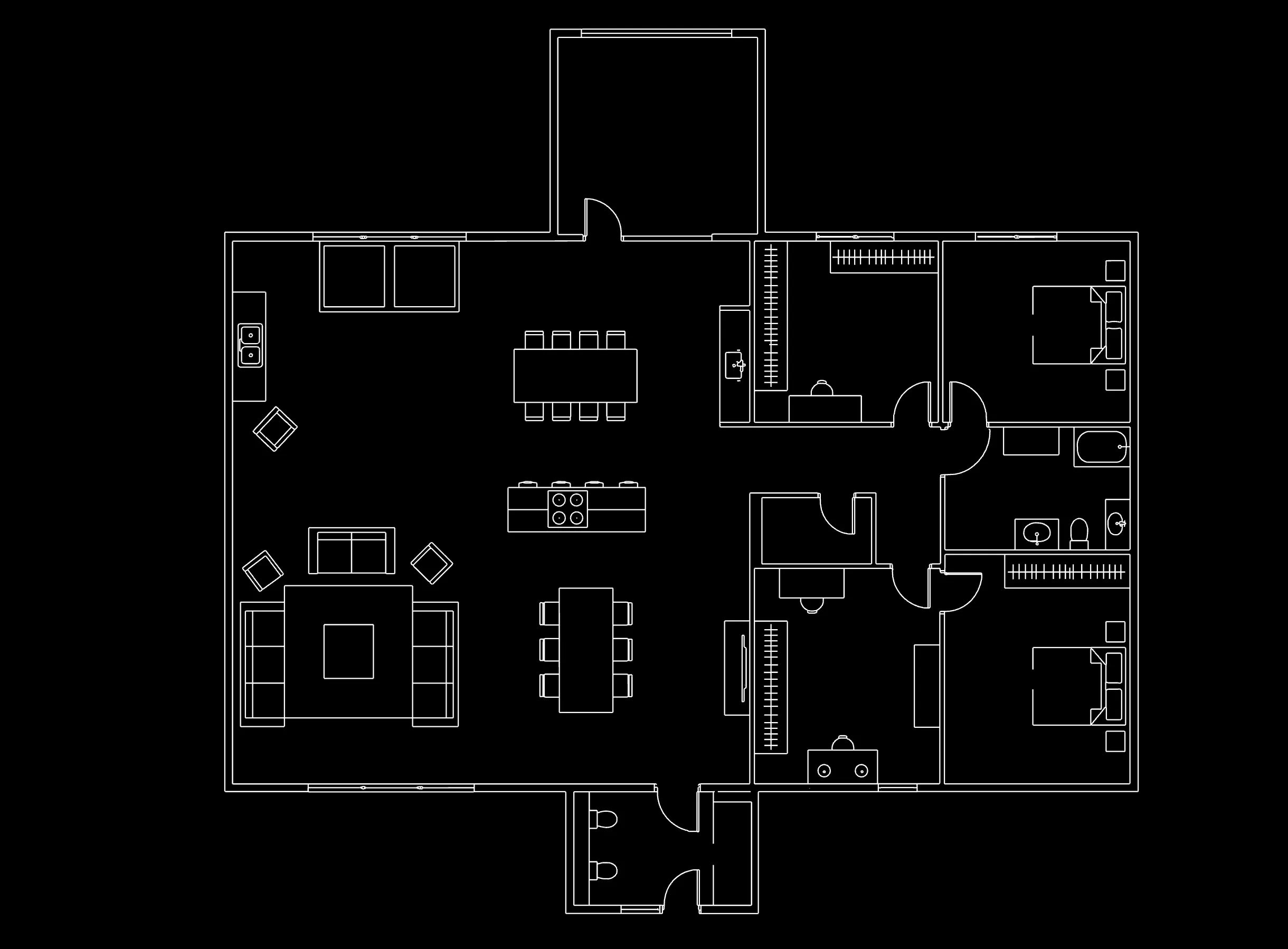
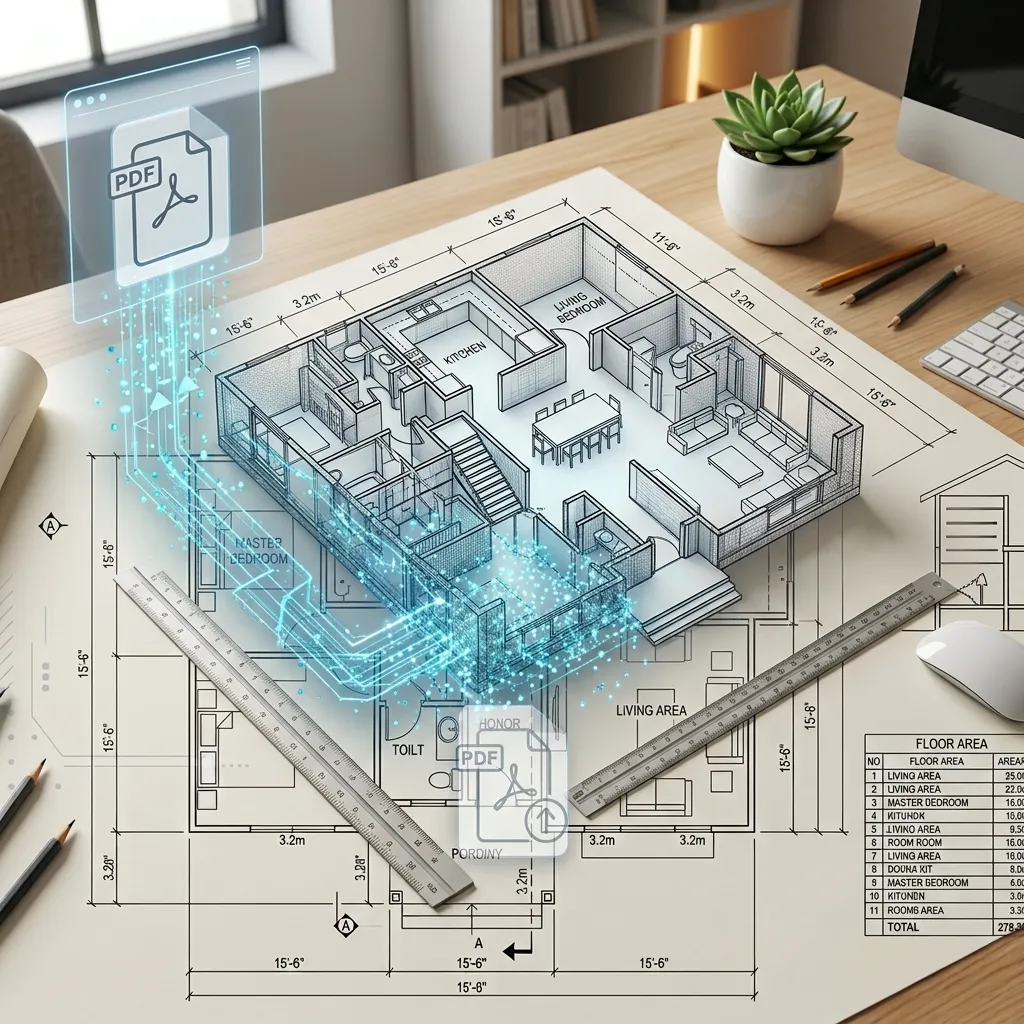
PRO FEATURE
Unlock 4K Resolution

Upgrade to a subscription to generate ultra-high-resolution
floor plans with sharper details.

  • 200 credits / billing cycle
  • 4K resolution generation
  • Access to all Pro features
  • Cancel anytime
Most Popular
  • 200 credits / billing cycle
  • 4K resolution generation
  • Access to all Pro features
  • Cancel anytime
Best Value
  • 600 credits / billing cycle
  • 4K resolution generation
  • Access to all Pro features
  • Cancel anytime
Turn PDFs into Editable DWG

Convert floor plan PDFs into structured DWG drawings.

Click to upload or drag floor plan hereSupports PDF, JPG, JPEG, PNG, BMP formats, max 15MB
Conversion Settings

Choose the options below, text recognition starts after image upload

Conversion Type

PDF to DWG converter

Convert PDF Drawings to Editable DWG Files

Upload a PDF floor plan, blueprint, or architectural drawing. Choose one page, crop the drawing area, then create an editable DWG starting point for CAD work.

Choose one PDF page
Crop before recognition
Editable DWG output
PDF drawing converted into an editable DWG file
A focused CAD workflow

From a PDF drawing to an editable DWG starting point

PDF files often contain several drawing sheets. This workflow keeps the conversion focused: identify the right page, isolate the relevant drawing area, then create a DWG file you can inspect and refine in CAD software.

Choose the one drawing page you need

After upload, each PDF page is identified as a thumbnail. Select the floor plan, elevation, or sheet you want to work on instead of converting an entire document by default.

  • Single-page conversion matches the live workflow
  • Skip cover sheets, notes, and unrelated pages
  • Return to choose another page after each export
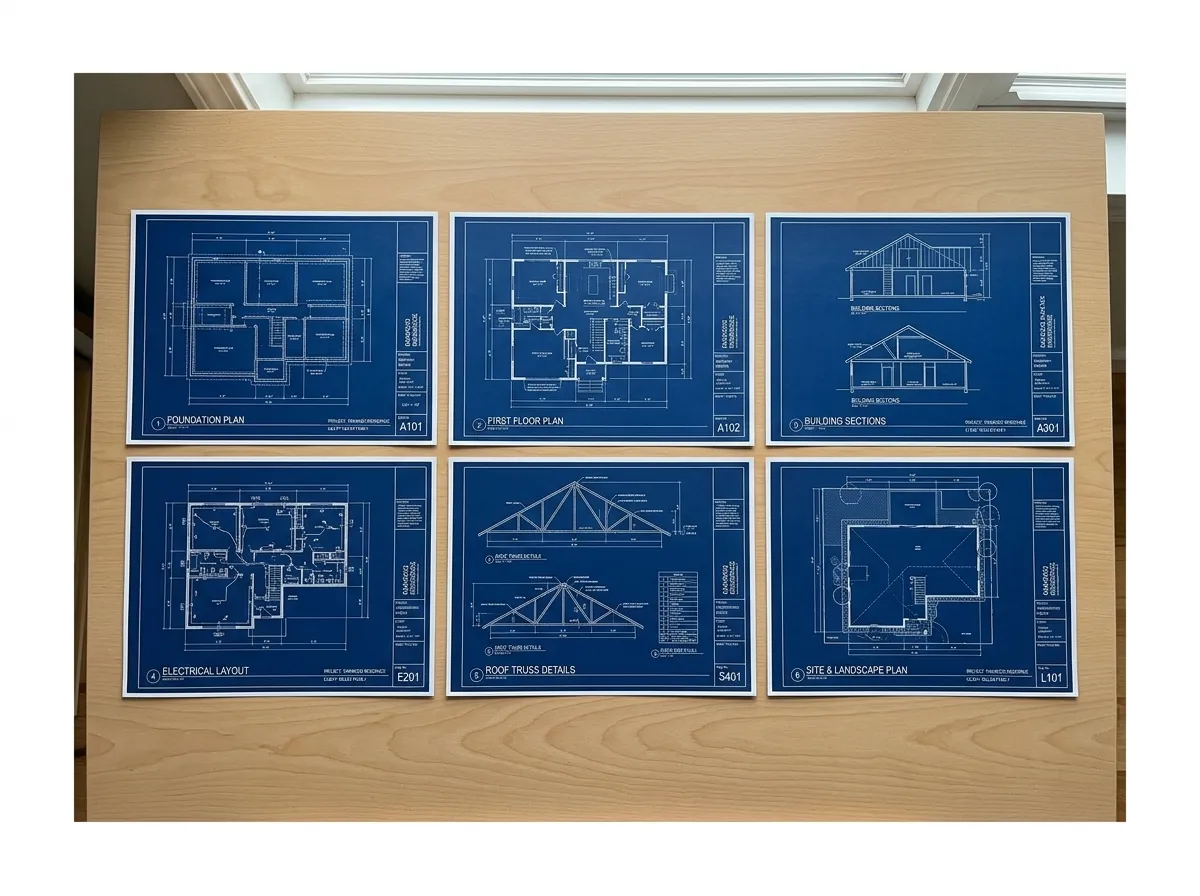
Several PDF drawing sheets ready for page selection

Crop around the drawing before conversion

Use the crop tool to remove title blocks, page margins, photos, or other material that is not part of the drawing. A focused source area gives the recognition step a cleaner starting point.

  • Keep the plan, elevation, or detail in focus
  • Remove page furniture that creates visual noise
  • Set up a cleaner result before spending credits
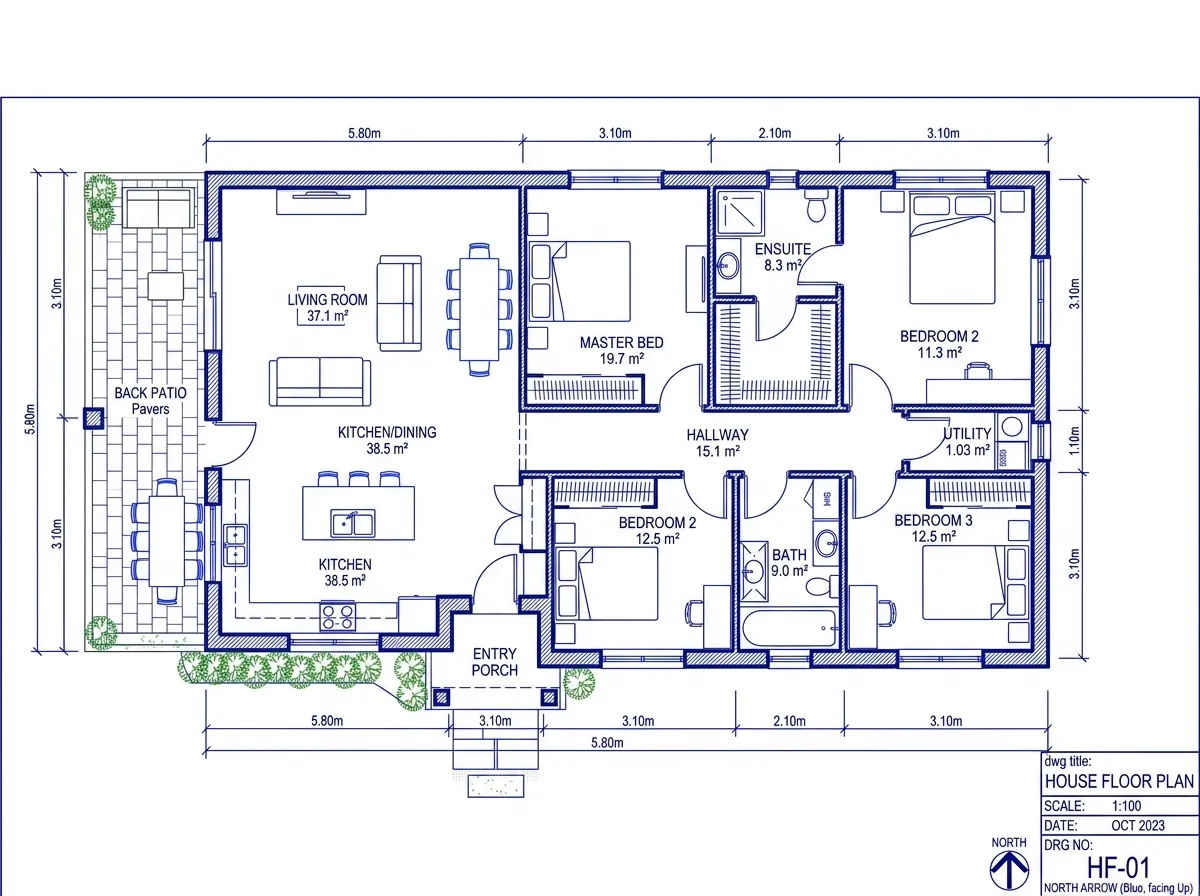
A drawing area cropped before PDF to DWG conversion

Match recognition to the drawing type

Choose Floor Plan for layouts and sketches, or Architectural Drawing for more detailed plan sheets, elevations, and sections. Keep label and dimension recognition on when those details matter.

  • Floor Plan for rooms, walls, and simple layouts
  • Architectural Drawing for detailed sheets and elevations
  • Optional label and dimension detection
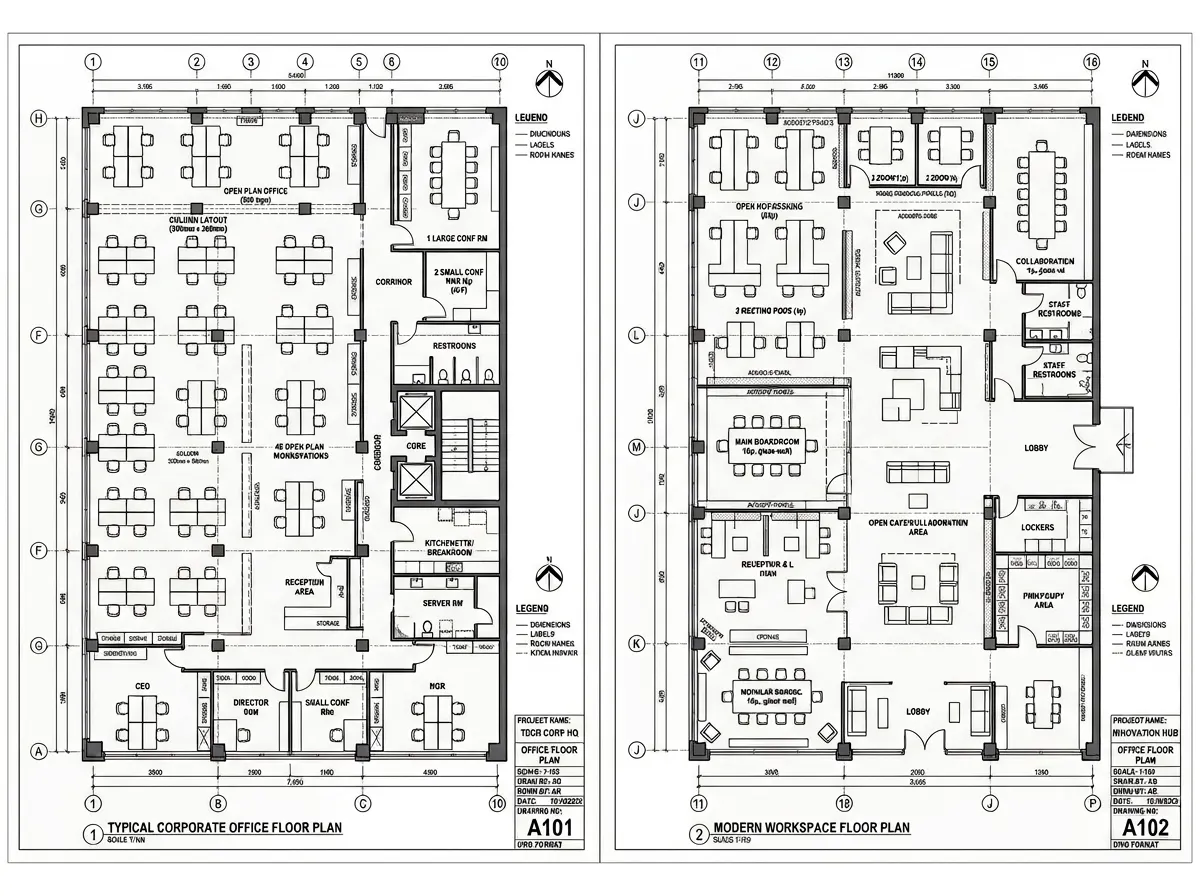
Floor plan and architectural drawing recognition modes

Bring scanned plans into a CAD workflow

Clear scanned blueprints and PDF floor plans can be processed into editable geometry. Use the result as a drafting starting point, then verify dimensions, notes, and linework in your CAD application.

  • Useful for legacy scans and blueprint PDFs
  • Designed to reduce manual redraw work
  • Review scale and technical detail before professional use

A scanned blueprint turned into editable CAD linework
Simple process

How to Convert PDF to DWG

Turn a PDF floor plan or architectural drawing into an editable DWG in three clear steps.

1

Upload Your PDF

Upload a PDF floor plan, blueprint, or architectural drawing up to 10MB.

2

Select and Crop One Page

Choose the relevant PDF page, then crop around the drawing for a cleaner source.

3

Download Your DWG

Choose a recognition mode, generate the file, and review it in your CAD workflow.

A PDF drawing transformed into an editable DWG file
Why PDF to DWG

Why Choose Our PDF to DWG Tool

Turn selected PDF drawing pages into an editable DWG starting point for CAD review and refinement.

1 page
Focused Conversion

Choose the specific plan, elevation, or sheet you want to process.

Crop
Cleaner Recognition

Remove margins and non-drawing content before the conversion begins.

2 modes
Drawing-Aware Settings

Match recognition to a general floor plan or a detailed architectural sheet.

DWG
CAD-Ready Output

Open the editable result in compatible CAD software and refine it further.

PDF to DWG FAQ

Answers about single-page conversion, scanned drawings, and editable DWG output.

Yes. Upload a PDF floor plan or architectural drawing, select one page, crop it if needed, choose a recognition mode, and convert it into an editable DWG file.

Ready when your PDF is

Turn a Selected PDF Drawing Page Into DWG

Upload the file, choose one drawing page, crop the relevant area, and continue your CAD workflow with an editable DWG starting point.

PDF up to 10MB
Single-page selection
Editable DWG result