
Turn your floor plan into a CAD-ready DXF file.
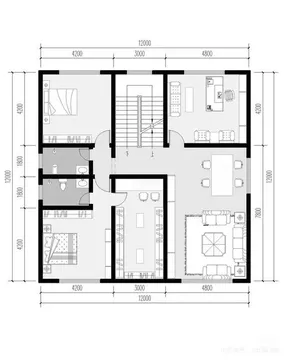
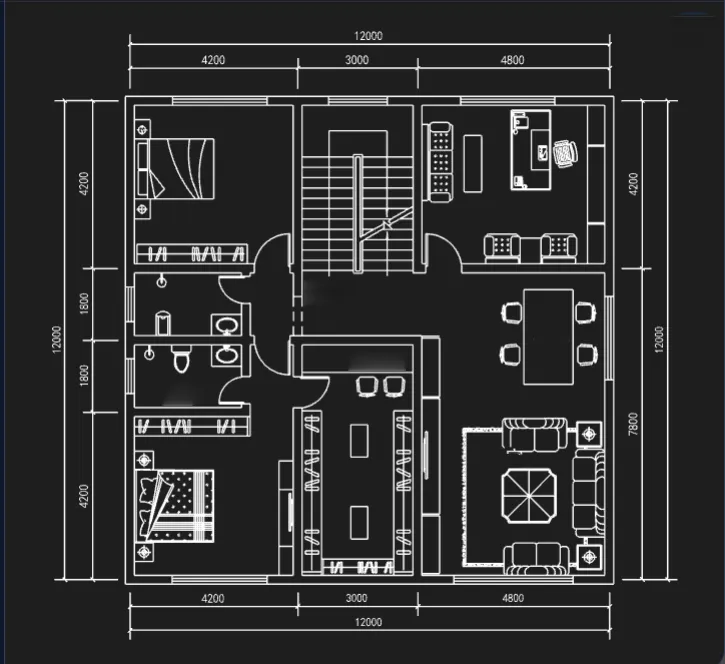
Choose the options below, text recognition starts after image upload
Conversion Type
DXF Converter: Convert Floor Plan Images to DXF
Convert JPG, PNG, or BMP floor plan images into editable DXF files online. AI analyzes walls, doors, windows, and room boundaries to create CAD-ready drawings faster.
Built for Accurate Floor Plan Conversion
Turn floor plan images into clean, editable DXF geometry with AI-assisted recognition and precise vector conversion.
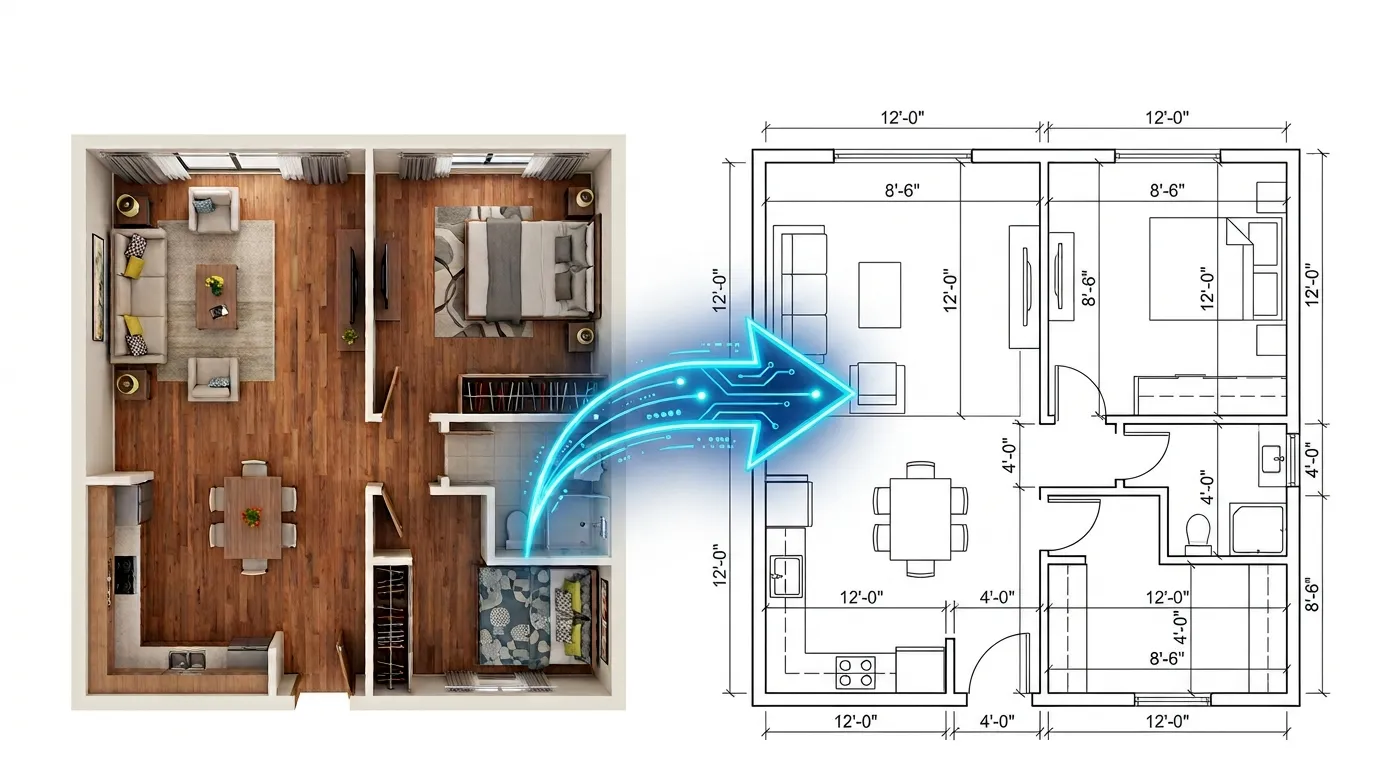
Intelligent Edge Detection
Our AI engine uses advanced computer vision algorithms to analyze your floor plan images and accurately detect walls, doors, windows, and room boundaries. The system intelligently distinguishes between structural elements and decorative details to create cleaner DXF output.
Precise Vector Conversion
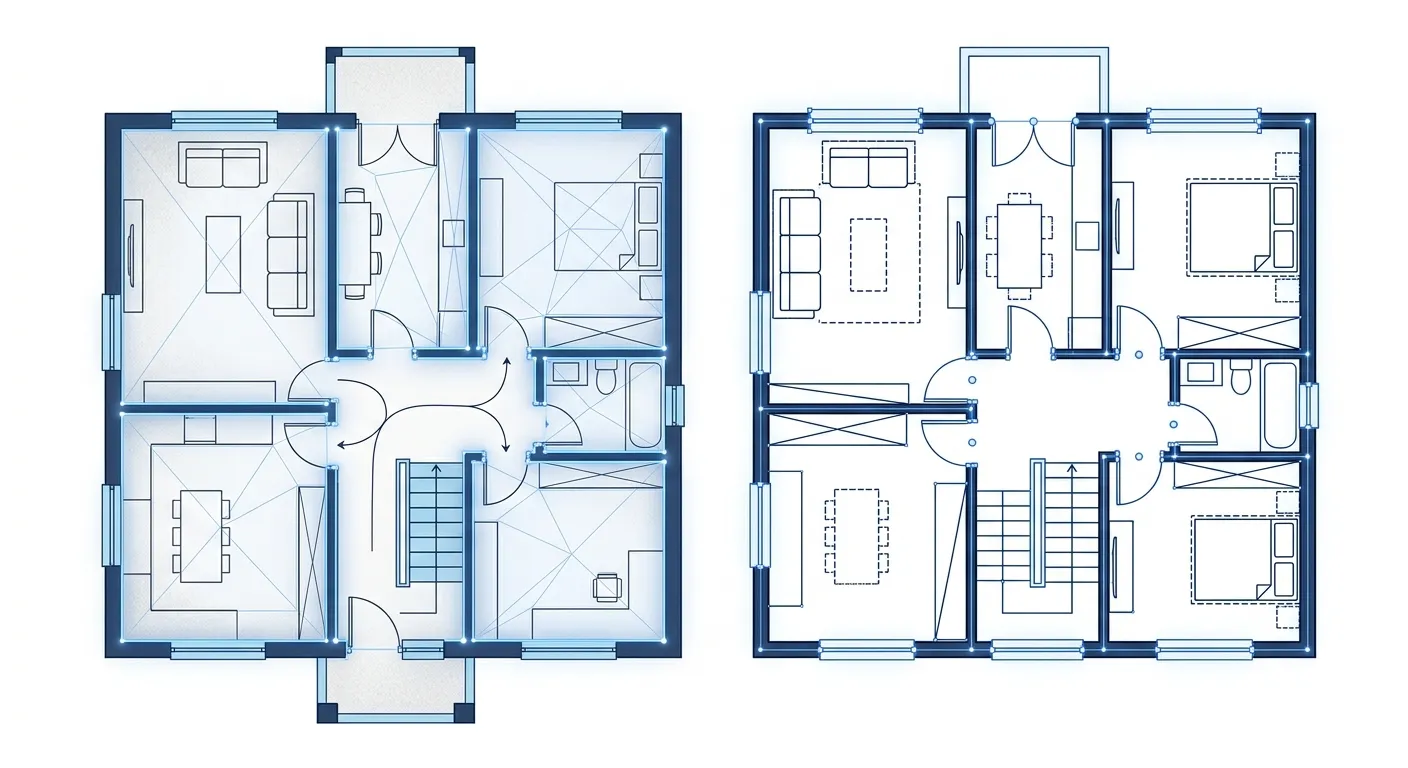
Transform raster floor plan images into clean, scalable vector lines. Our conversion engine produces DXF files with precise geometry that maintains accuracy at any scale, making them easier to edit and use in CAD workflows.
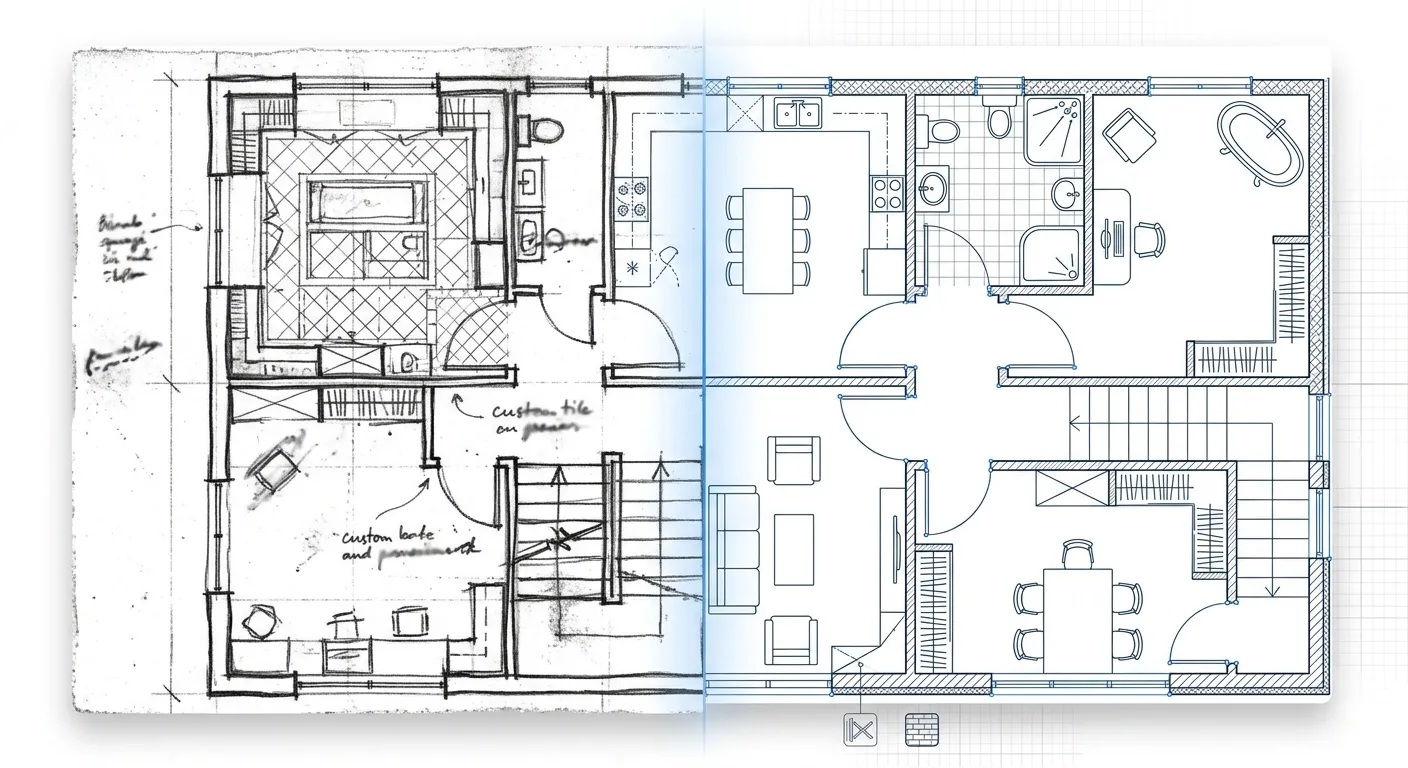
Accurate Proportion Preservation
Preserve the original proportions and spatial relationships of your floor plan during conversion. Walls, rooms, and openings remain aligned with the source drawing, helping you create a more consistent floor plan DXF file for further CAD editing.
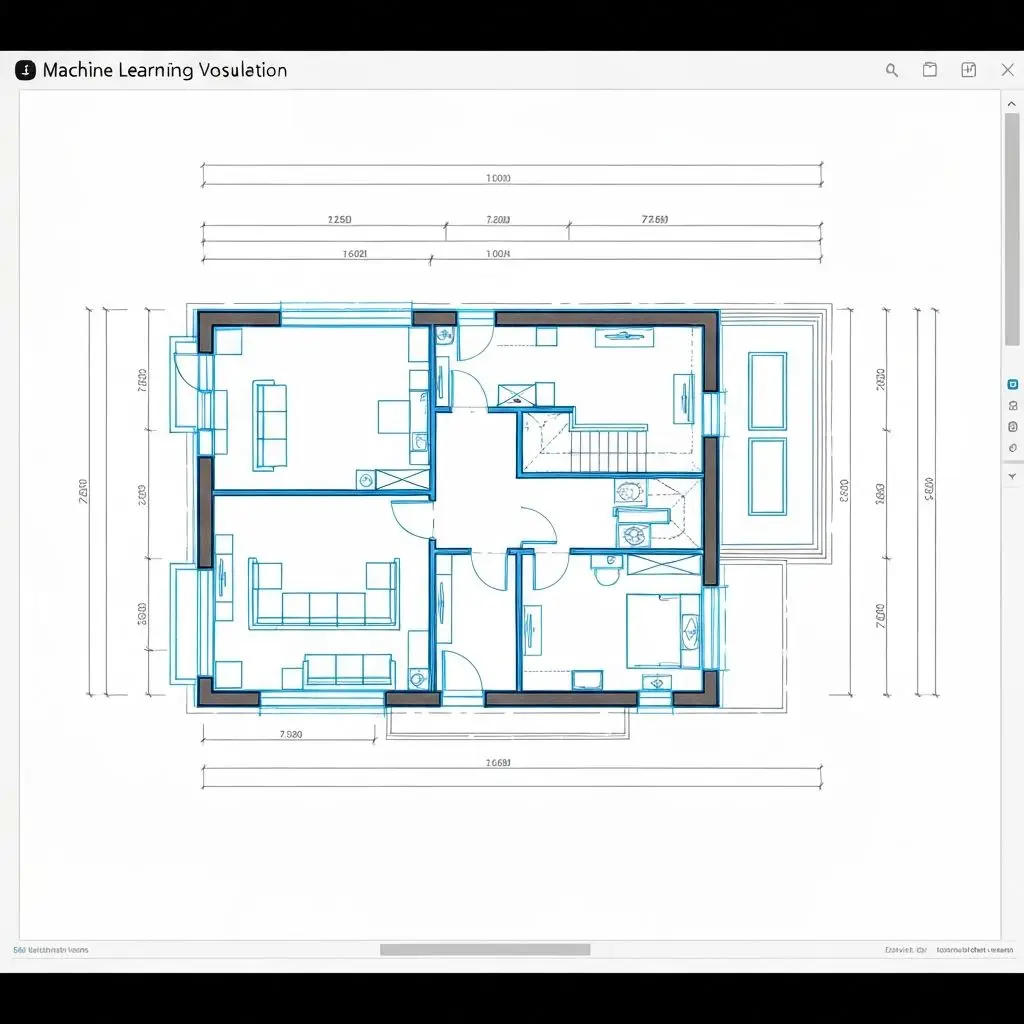
How to Convert a Floor Plan Image to DXF
Convert a floor plan image to an editable DXF file in three steps.
Upload Your Floor Plan Image
Upload a JPG, PNG, or BMP floor plan image to start the conversion. You can also draw floor plan online. Images up to 15 MB are supported.
Choose a DXF Conversion Mode
Select the conversion mode that best matches your drawing, then let AI analyze and convert the floor plan into DXF geometry.
Download Your DXF File
Preview the result, download your DXF file, and continue editing it in your preferred CAD software.
Why Choose Our DXF Converter?
Fast conversion, precise vector output, and a simple workflow designed for floor plans, sketches, and architectural drawings.
Convert floor plan images in just a few minutes with a streamlined online workflow.
Generate clean vector geometry with precise lines and accurate architectural details.
Upload floor plan images up to 15 MB for conversion without reducing image quality.
Get standard DXF files ready for editing in CAD and architectural design workflows.
DXF Converter FAQ
Common questions about image-to-DXF conversion, supported formats, accuracy, editing, and data security.
We accept PNG, JPG, JPEG, and BMP images up to 15 MB. Whether you need PNG to DXF or JPG to DXF conversion, the process is the same. For best results, use a high-resolution image with clear walls and minimal noise. Choose Floor Plan (General) for sketches or Architectural Plan (Optimized) for detailed drawings.
Ready to convert your floor plan to DXF?
Upload your floor plan image, preview the result, and convert it to an editable DXF file.