
Turn your floor plan into stunning 3D visuals.
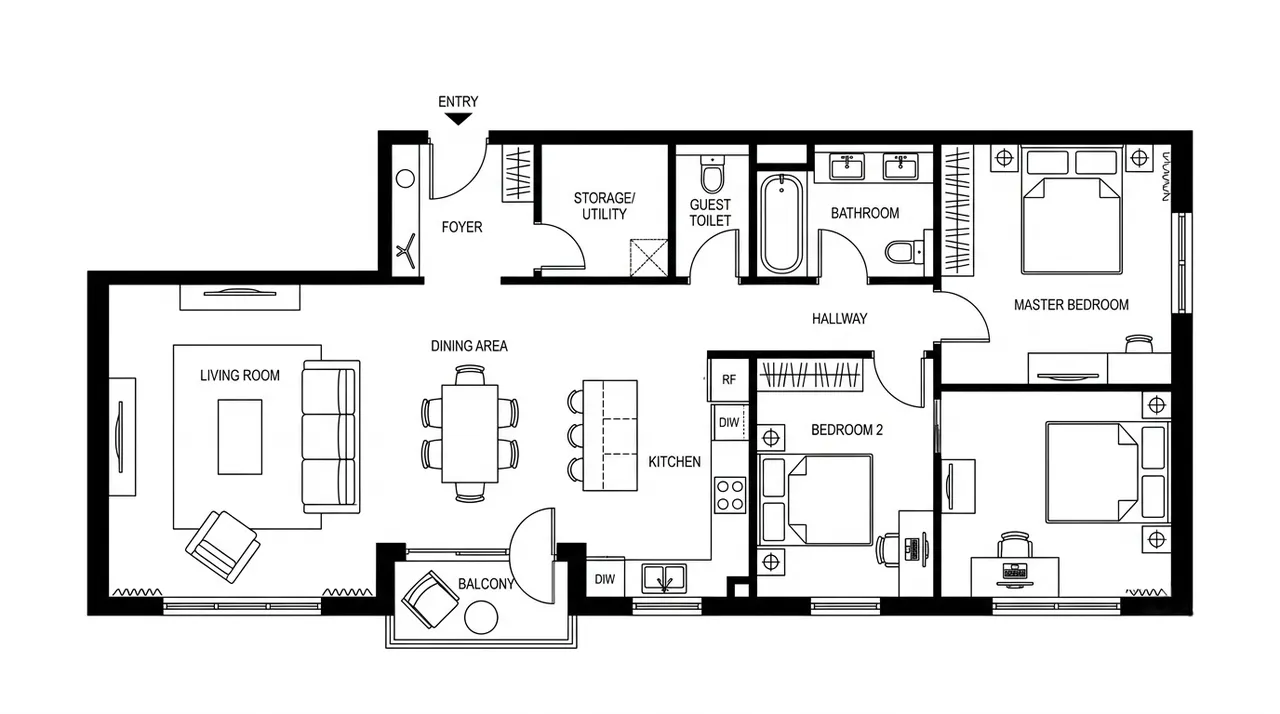
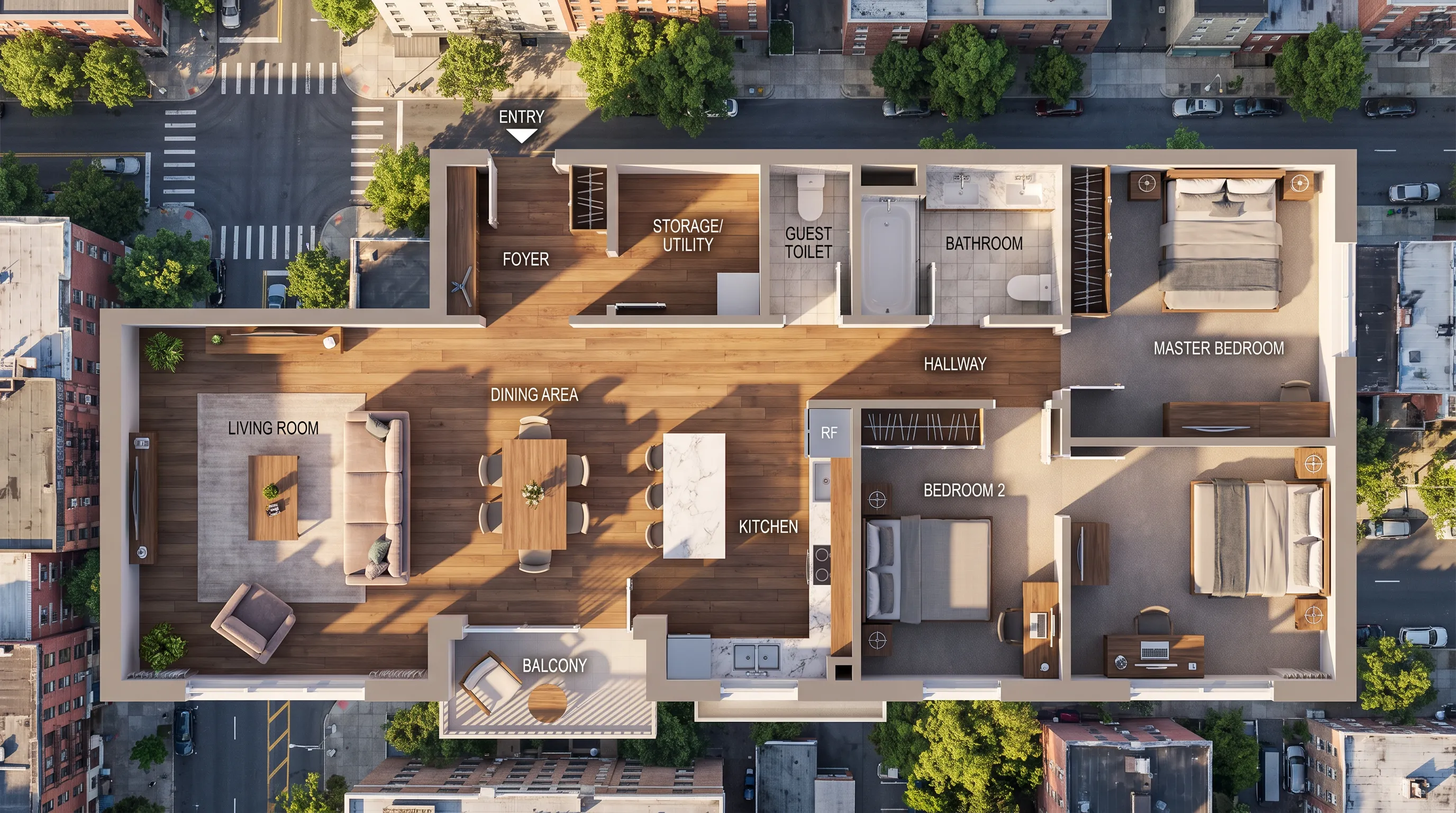
Floor Plan to 3D Converter
Transform your 2D floor plans into realistic 3D visualizations instantly. Choose your rendering style, view angle, lighting type, and material quality — our AI generates professional-grade 3D models from any flat architectural drawing.
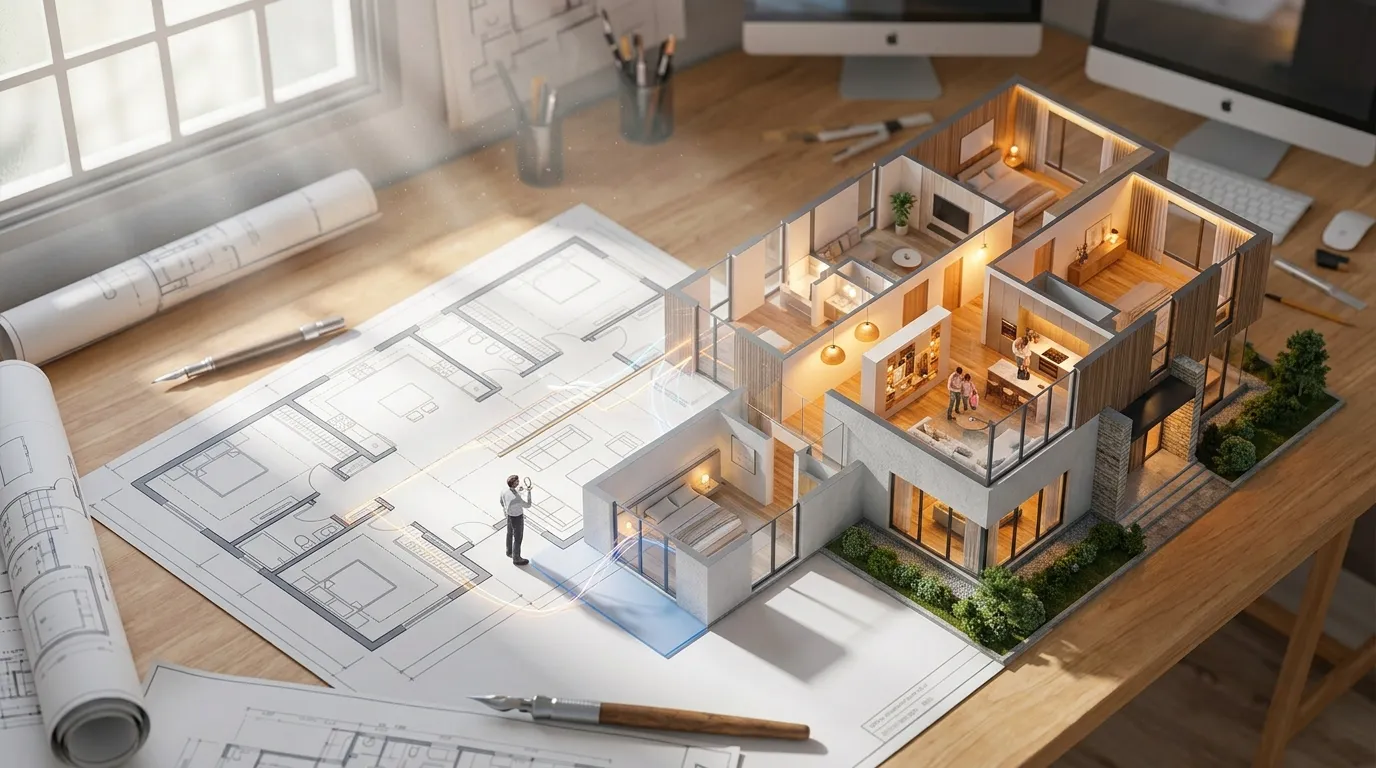
Powerful Floor Plan to 3D Features
Discover what makes our 3D conversion technology the most powerful tool for architectural visualization
Recognize 2D Floor Plans, PDFs, and Blueprints
Upload an existing floor plan as a PDF, JPG, or PNG. The AI identifies walls, doors, windows, and room boundaries from the drawing before turning the same layout into a 3D view.

Floor Plan to 3D Conversion
Turn a recognized 2D layout into a furnished 3D floor plan while preserving its room arrangement and spatial relationships. Review the generated result before downloading or regenerating it.
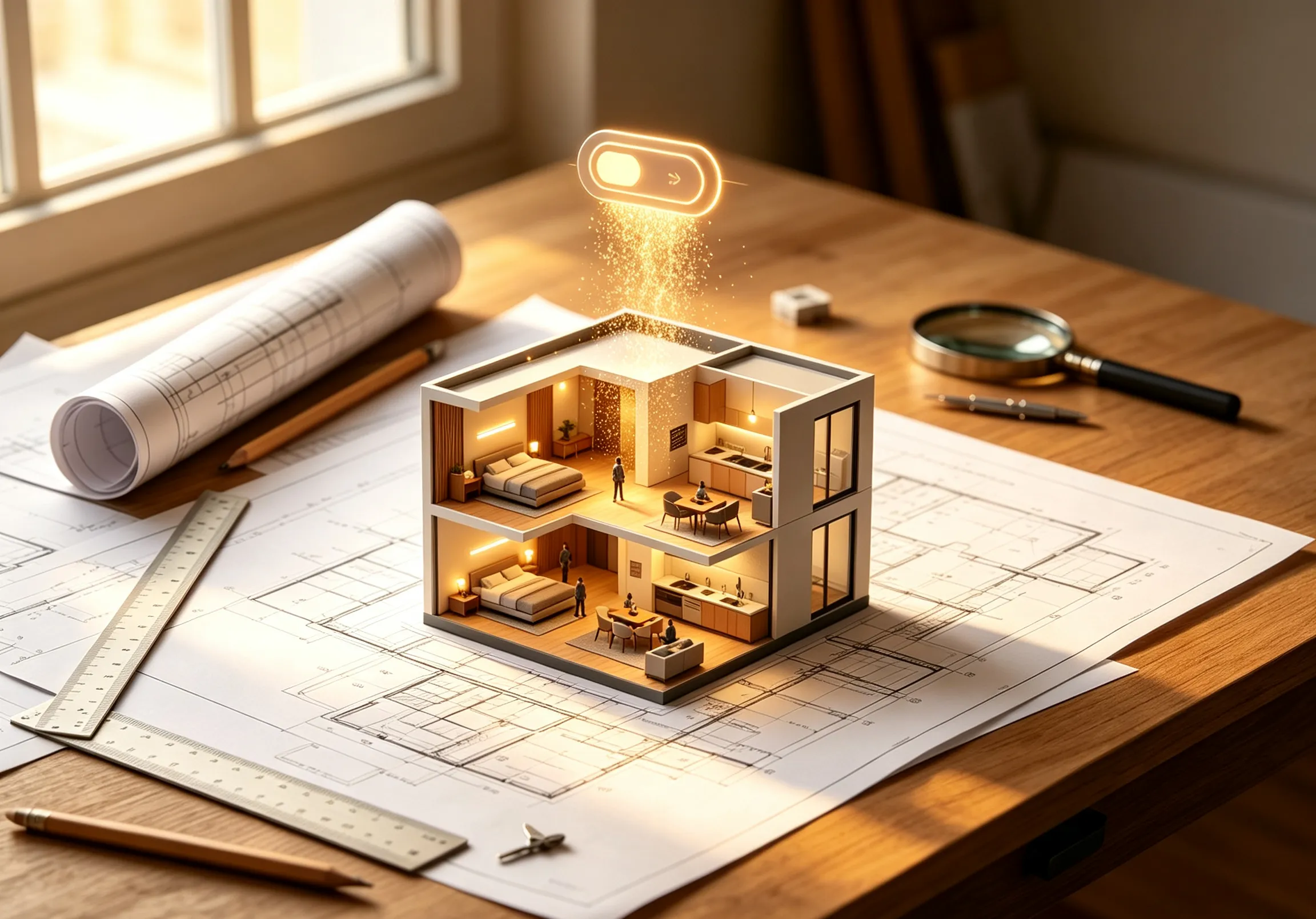
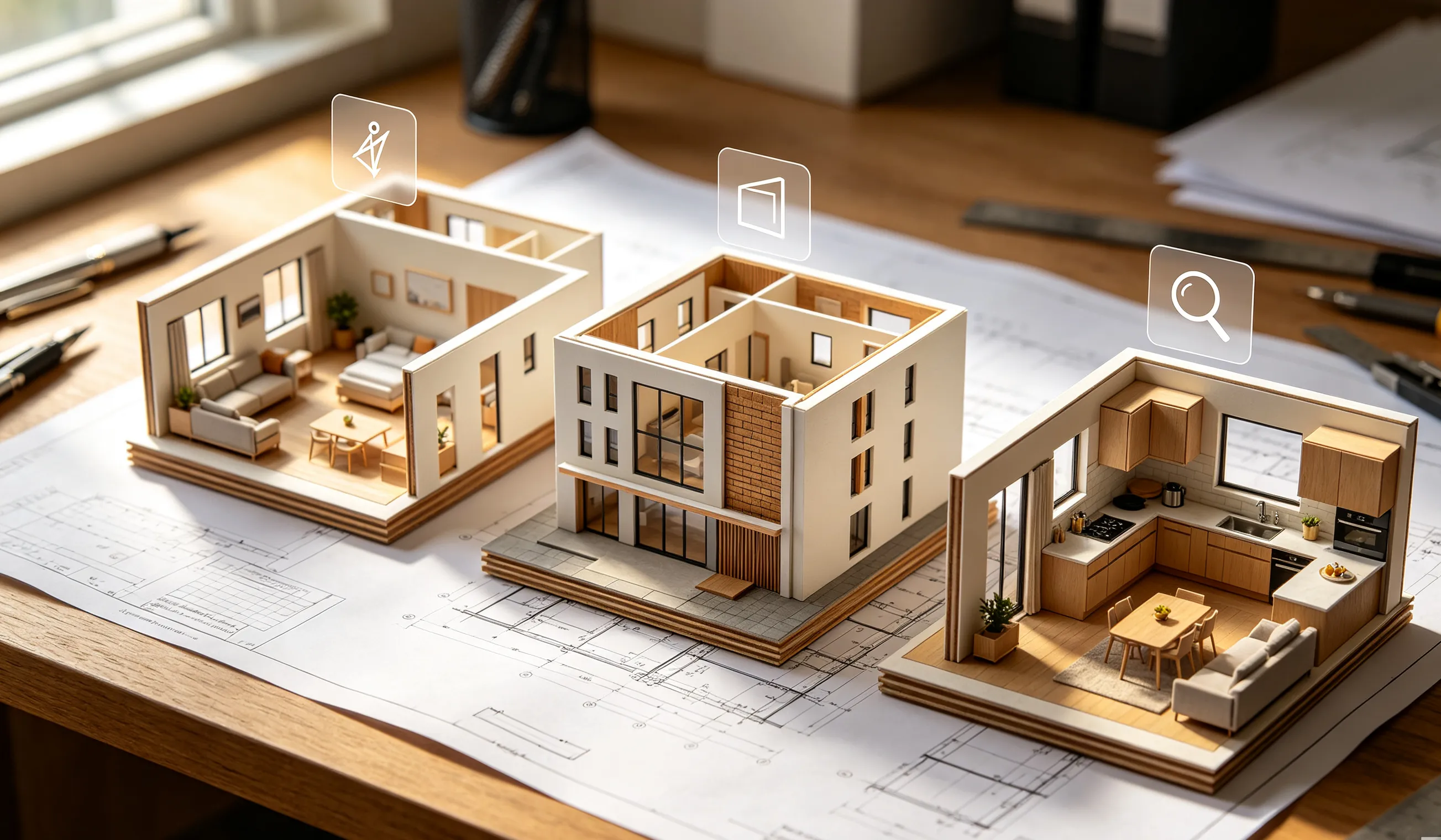
Multiple Viewing Perspectives
Review the same floor plan from the available bird’s-eye, angled, and room-focused perspectives. Choose the view that best shows room flow, furniture placement, and spatial relationships.
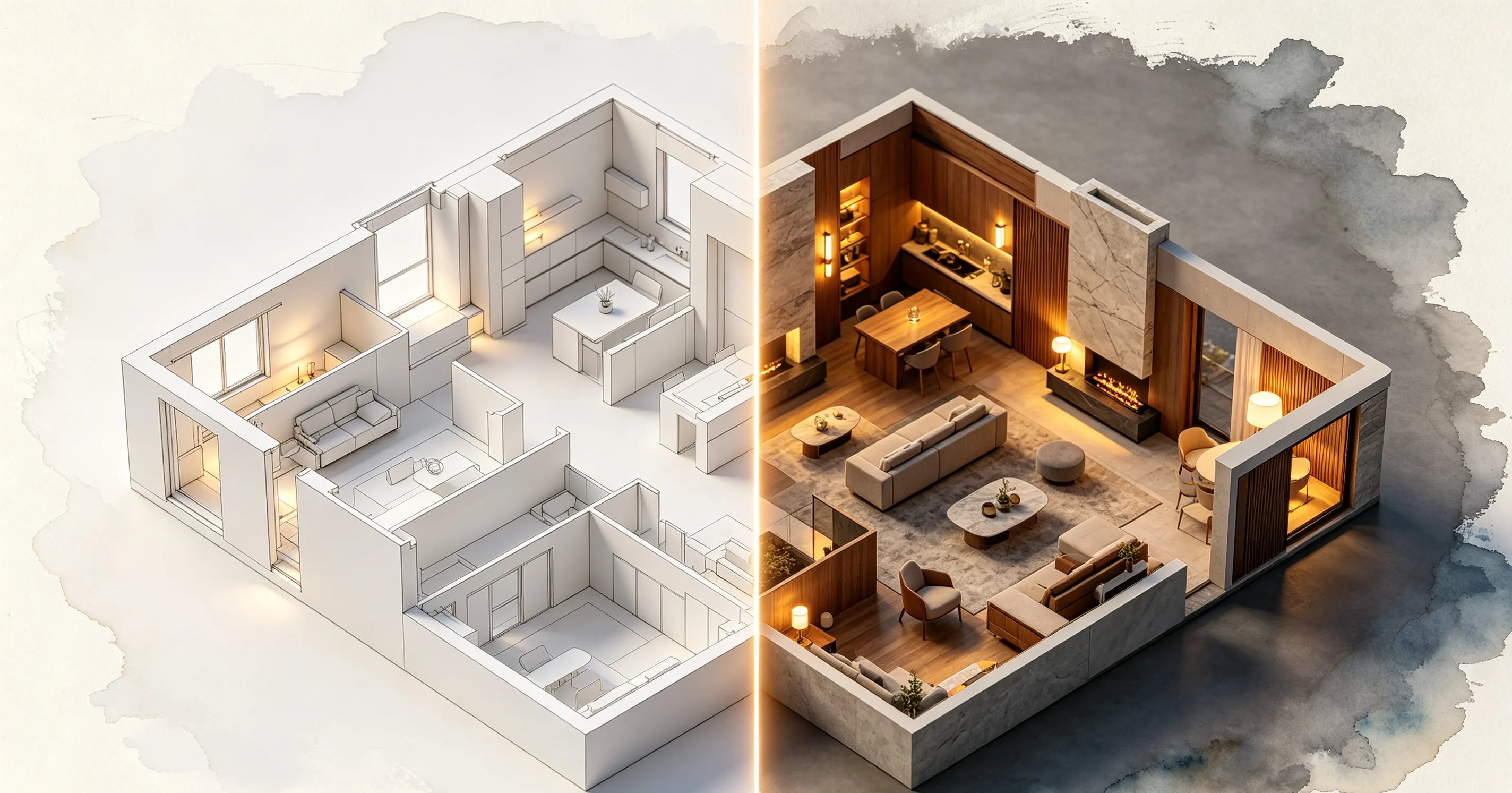
3D Floor Plan Rendering Styles
Render the same layout in photorealistic, minimalist, blueprint, sketch, or watercolor styles. Use realistic 3D floor plan rendering for real estate presentations, or a simpler visualization for design reviews and early concepts. Need to adjust your 2D plan before converting? Redesign it with AI firstusing smart brushes and text prompts.
Customizable Parameters
Adjust the rendering style, view angle, lighting type, and material quality to shape the final visualization. You can also describe the result you want in the prompt and regenerate it with different settings.

Download Your 3D Floor Plan Views
Download your generated 3D floor plan views for client presentations, renovation discussions, real estate marketing, and design reviews. You can also turn the result into an animated walkthrough video to showcase the space with realistic camera movement.

How to Convert a Floor Plan to 3D
Follow three simple steps to turn your 2D floor plan into a detailed 3D visualization.
Upload Your Floor Plan
Upload a floor plan as a PDF, JPG, or PNG. Clear digital drawings and scanned blueprint images with visible walls, doors, and room boundaries produce the best results.
Customize the 3D View
Choose a rendering style, view angle, lighting type, and material quality, or describe the visual result you want in the prompt.
Download Your 3D Result
Download the generated 3D floor plan for presentations, design reviews, renovation discussions, or real estate marketing.
Why Use This Floor Plan to 3D Converter
Upload an existing floor plan, customize the visual result, and turn the same layout into presentation-ready 3D views.
Upload a floor plan as a PDF, JPG, or PNG. Clear digital drawings and scanned blueprint images provide the best starting point for conversion.
The AI identifies walls, doors, windows, and room boundaries from the uploaded drawing before rebuilding the layout as a 3D view.
Compare photorealistic, minimalist, blueprint, sketch, and other available styles to find the right visual treatment for your project.
Review the same floor plan from the available bird’s-eye, angled, and room-focused perspectives to better understand the layout and spatial relationships.
Frequently Asked Questions
Answers to your questions about Floor Plan to 3D conversion
Yes, sign in with your Google account to get started. New users receive free credits to try the converter — no credit card required.
Transform Your Floor Plan into Stunning 3D Models
Join thousands of designers and architects using our AI floor plan to 3D tool to visualize spaces instantly