
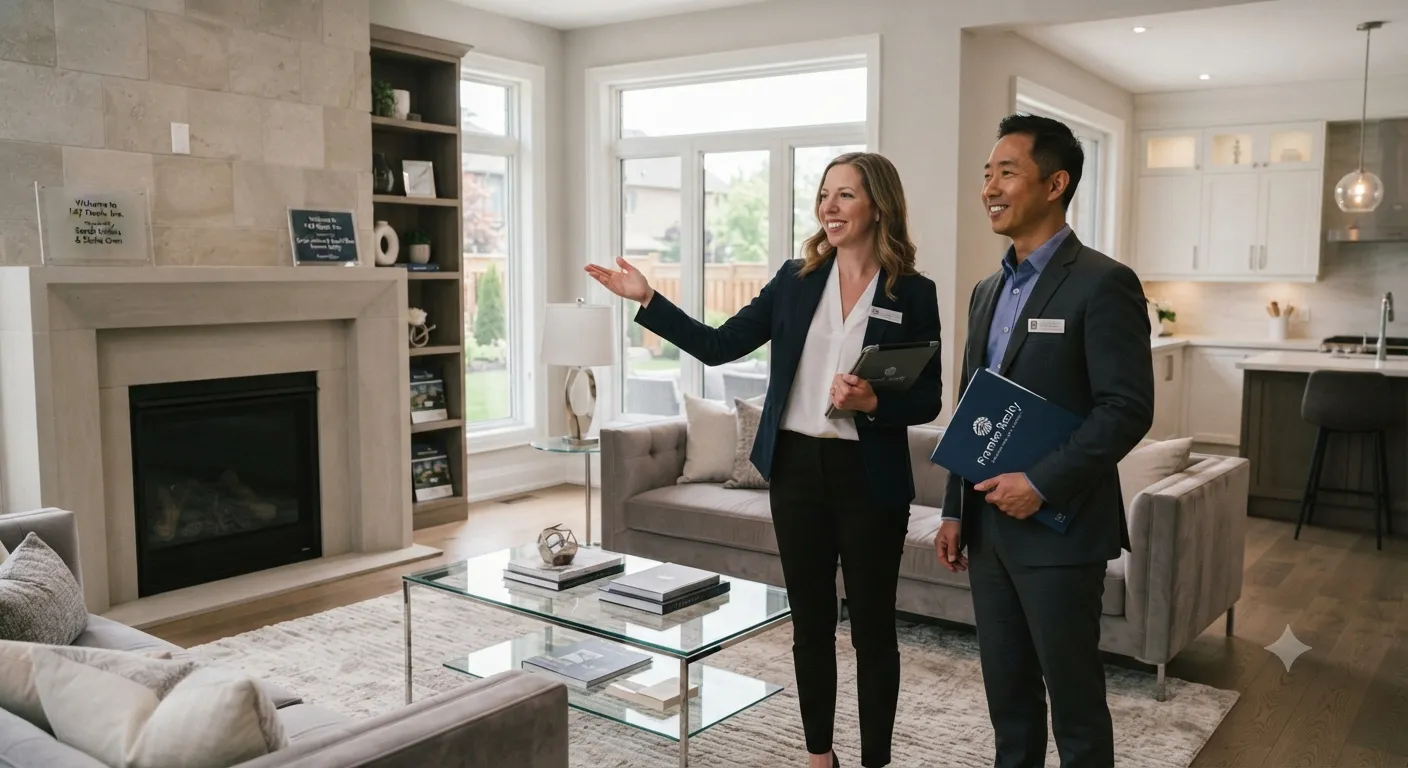
Real Estate Agents
Create listing-ready animated videos that help properties stand out.
Image Before
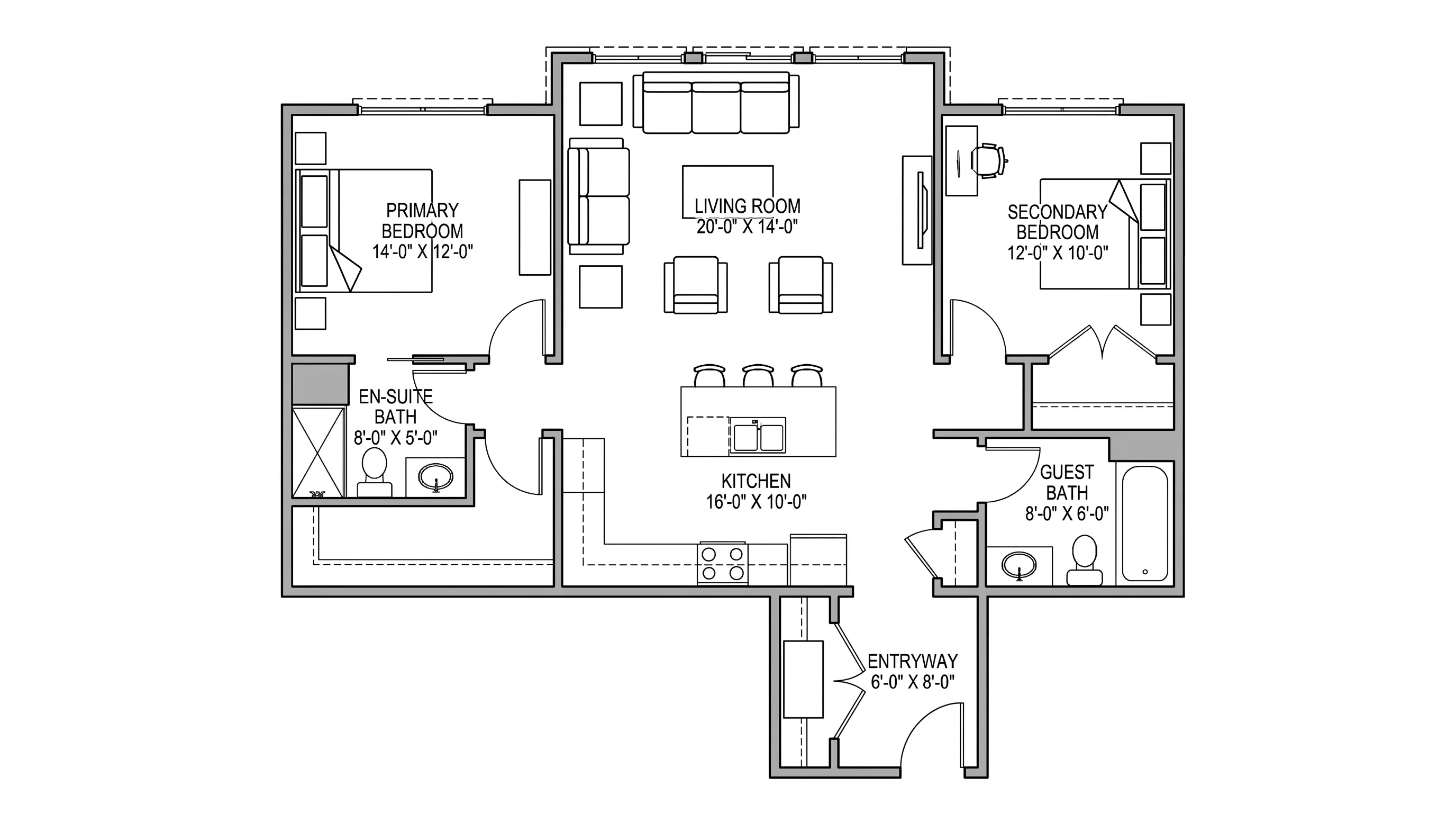
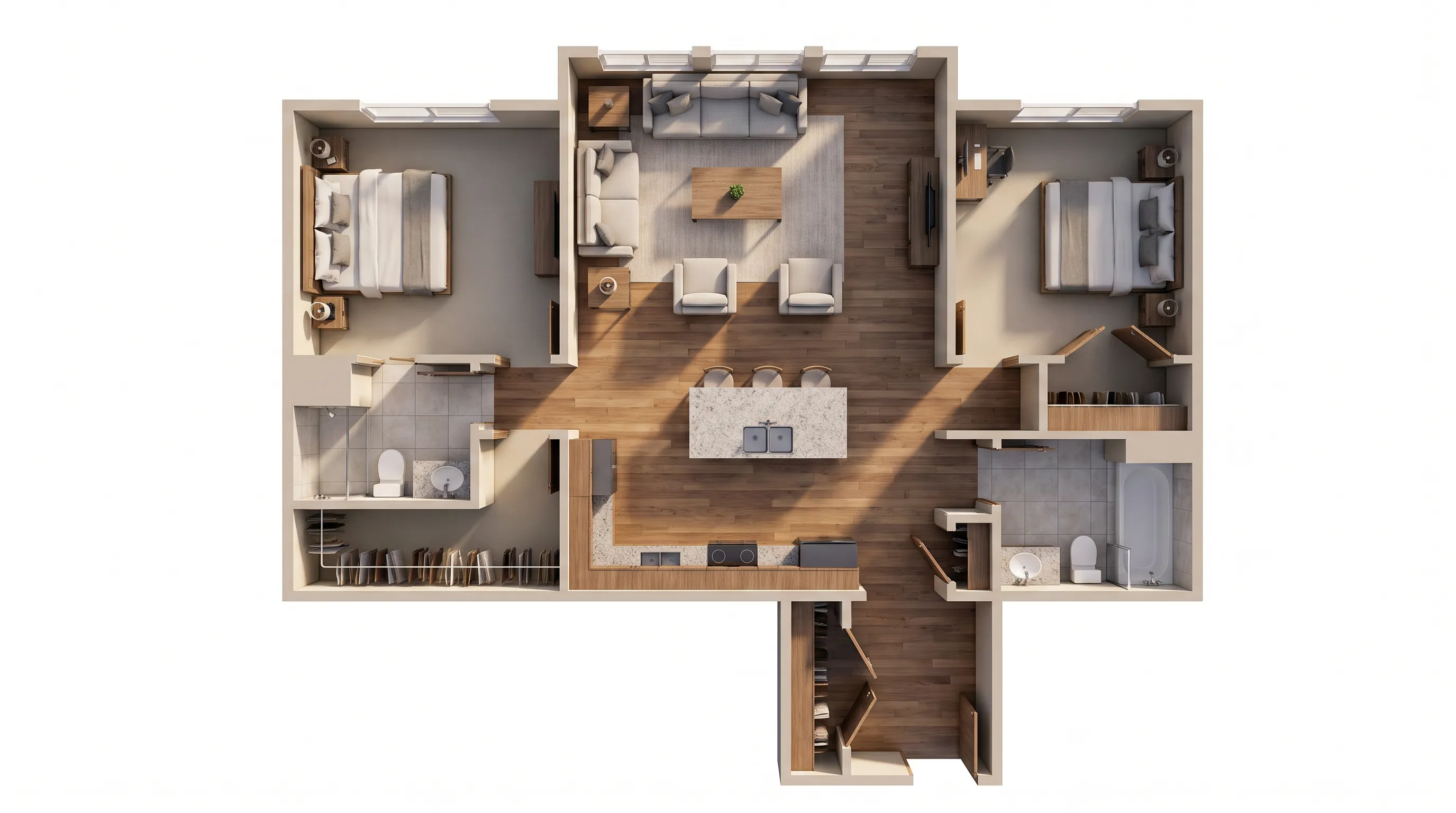
Image After
Gravity Drop
See how spaces transform, from plan to interior to exterior.
Turn floor plans, interior photos, and exterior shots into engaging AI videos. Create before-and-after transitions or cinematic drone-style fly-throughs in minutes.
Built for real estate agents, architects, interior designers, and homeowners
From preset transitions to custom prompts — turn floor plans, interior photos, and exterior shots into engaging animation videos.
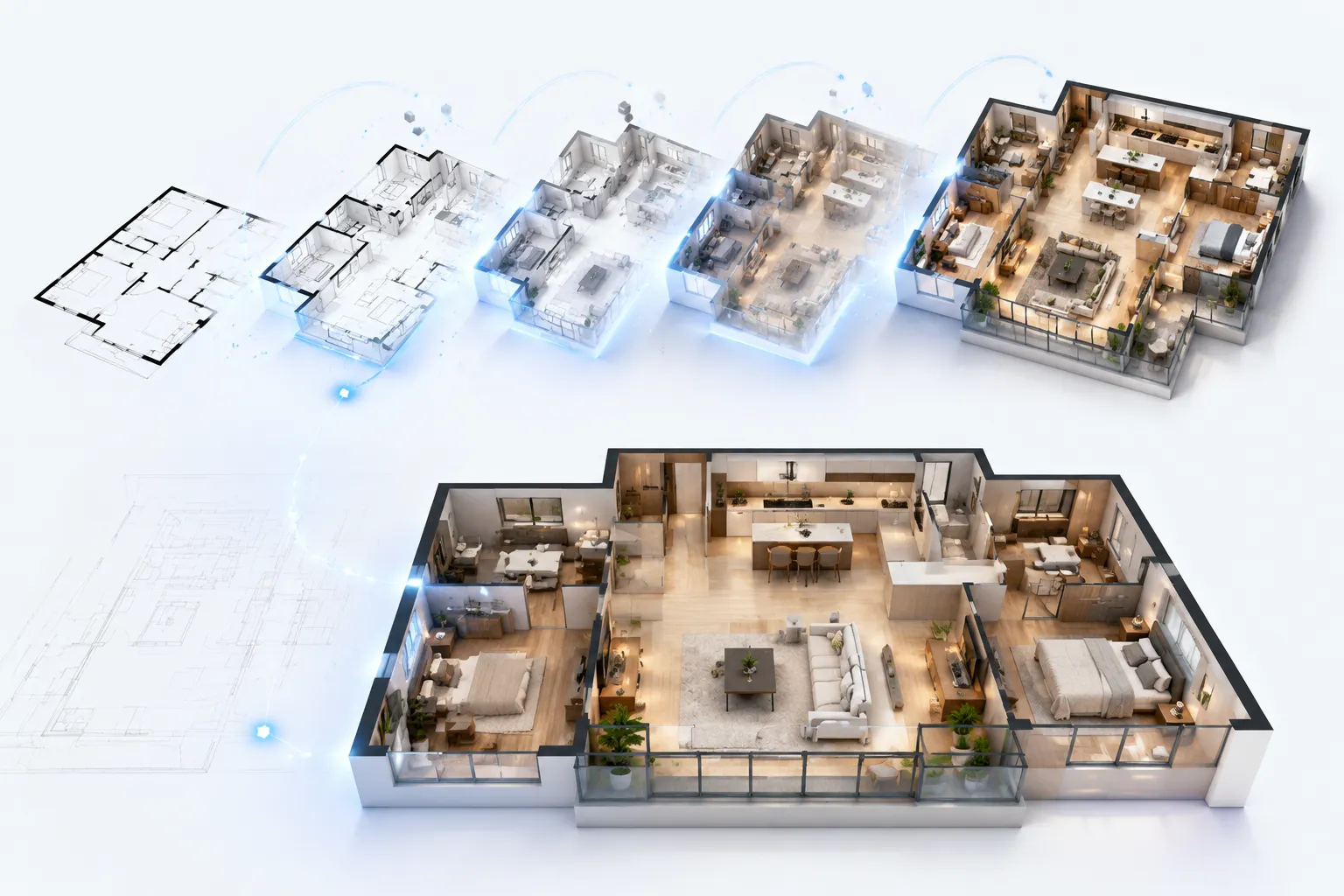
Jump straight into production with 7 professionally tuned transition presets. Each one is optimized for real-estate reveals — from the dramatic explosive entrance for luxury listings to the soft morphing effect for renovation before/afters. Don't have a plan yet? Edit an existing floor plan or upload a sketch to get started.
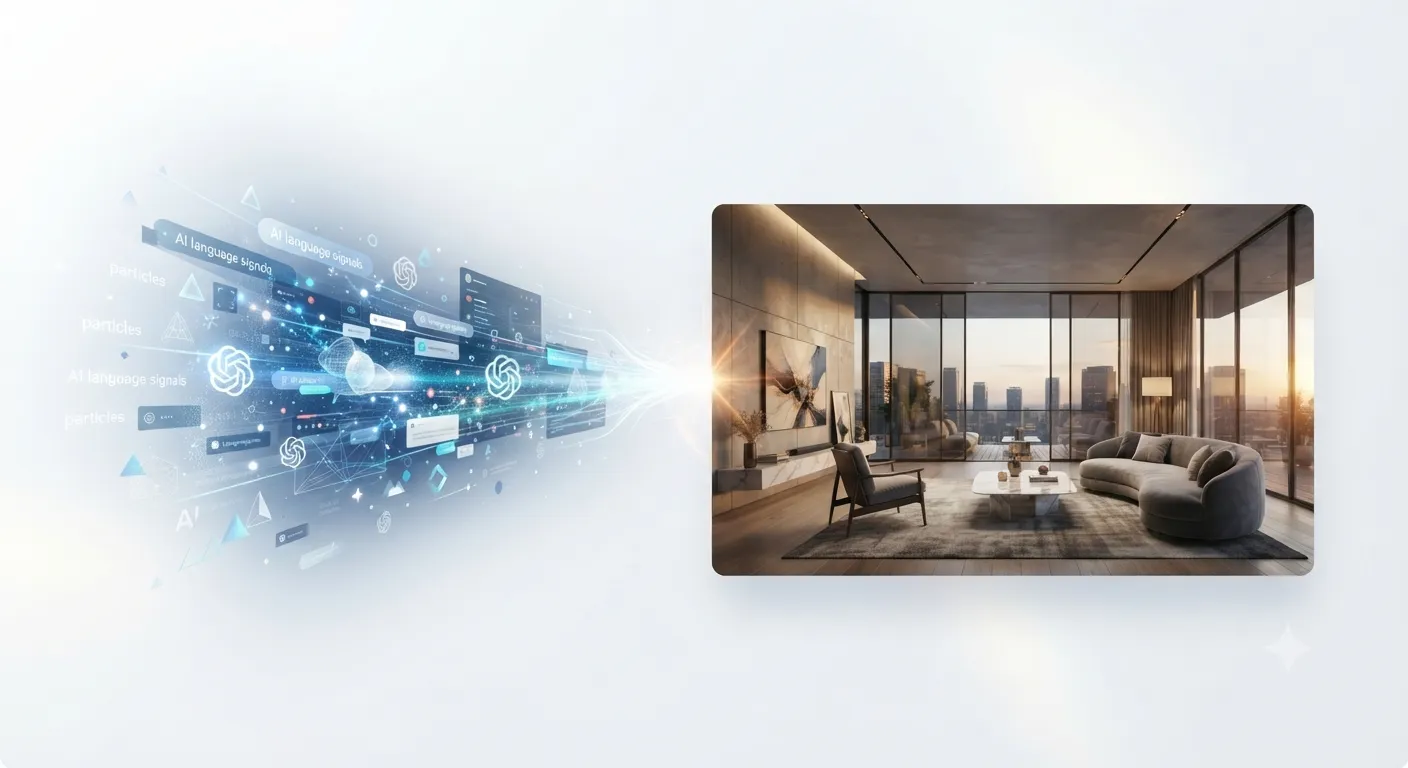
When presets aren't enough, describe exactly what you want in plain English. Control pacing, mood, lighting, camera movement, and transition style — the AI renders exactly what you envision.
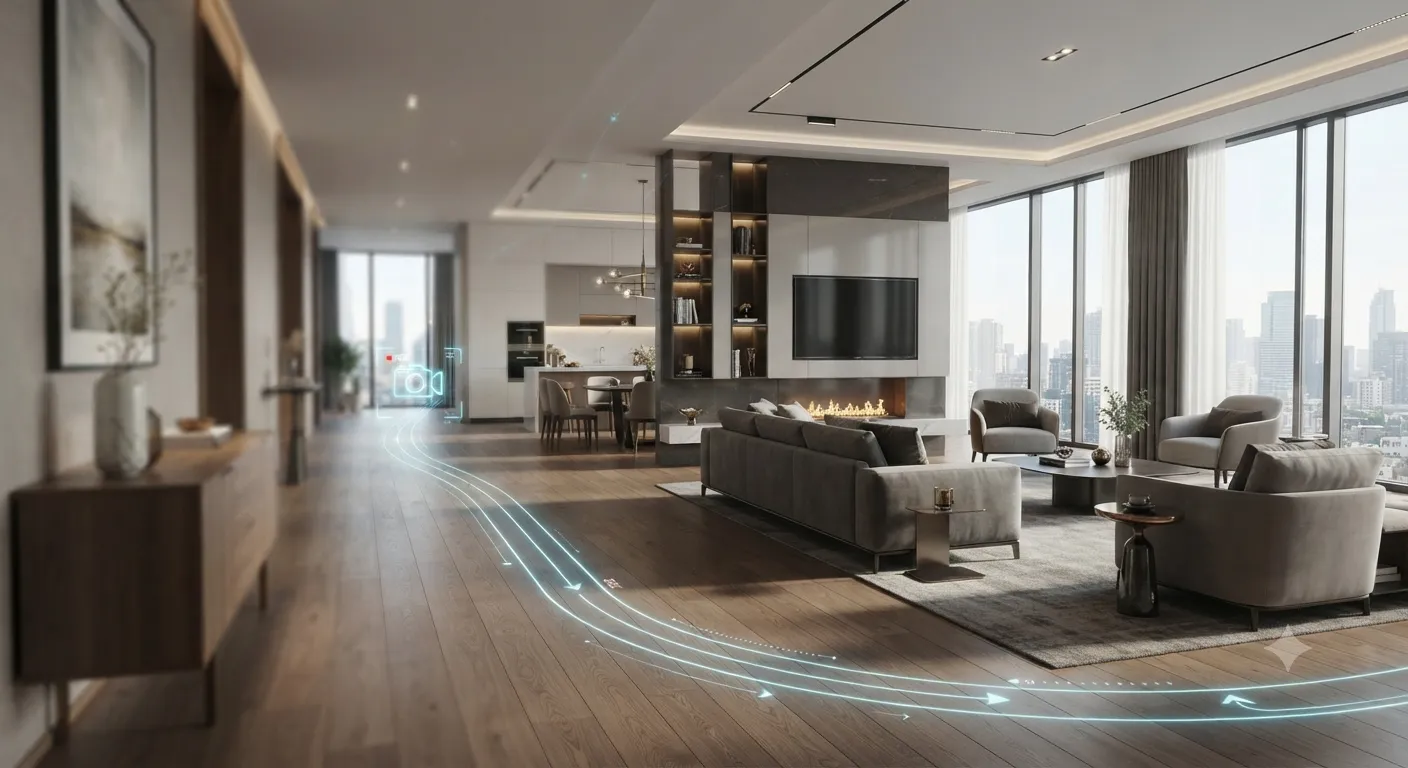
Go beyond simple transitions. Define a complete camera path through your floor plan — push into key rooms, orbit around focal points, dolly along hallways. Combine moves with different styles for full mood and pacing control.
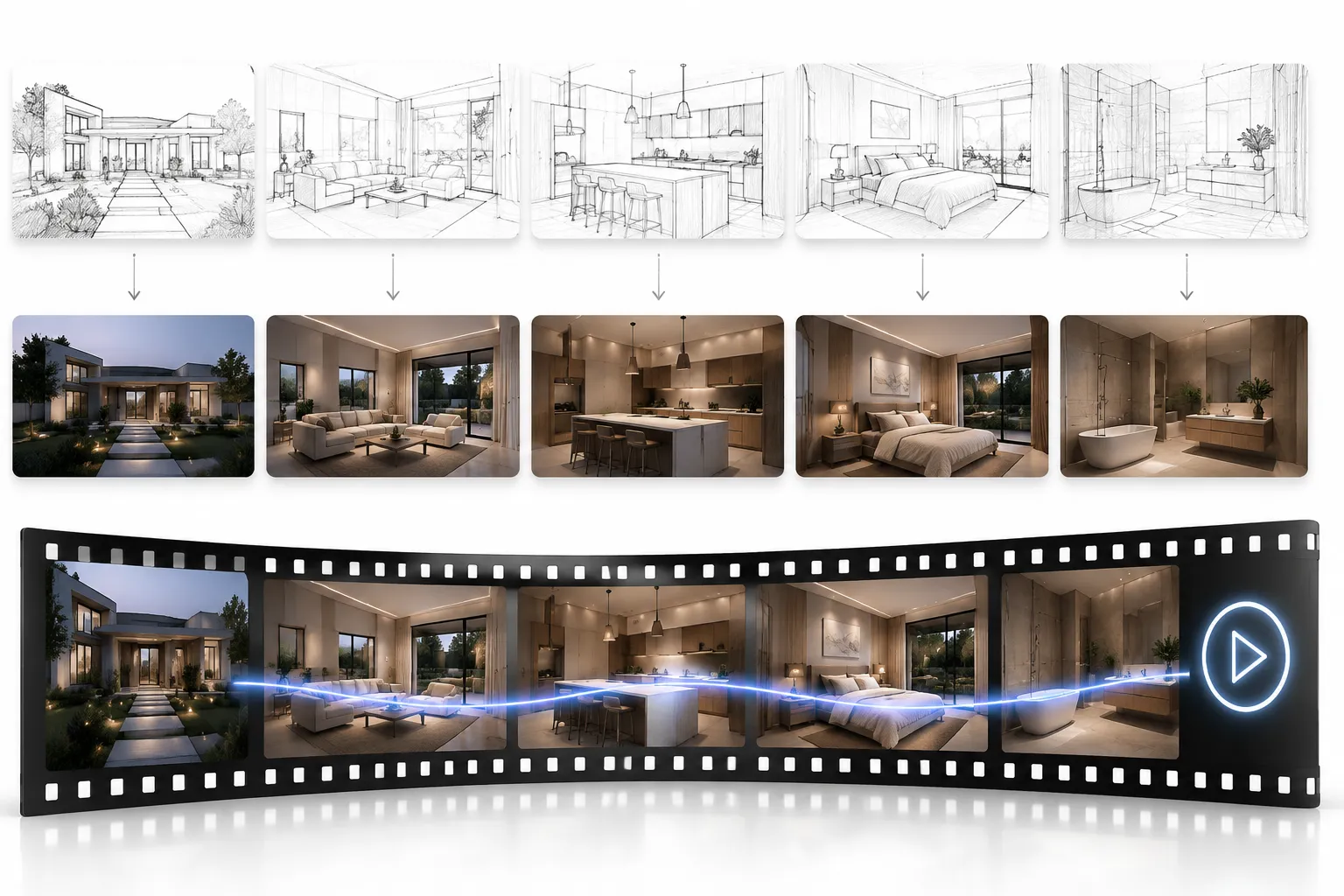
Choose the output that fits your workflow. Export as a storyboard image sequence for design reviews and team feedback, or generate a full animation MP4 ready to drop into a listing, presentation deck, or social post.
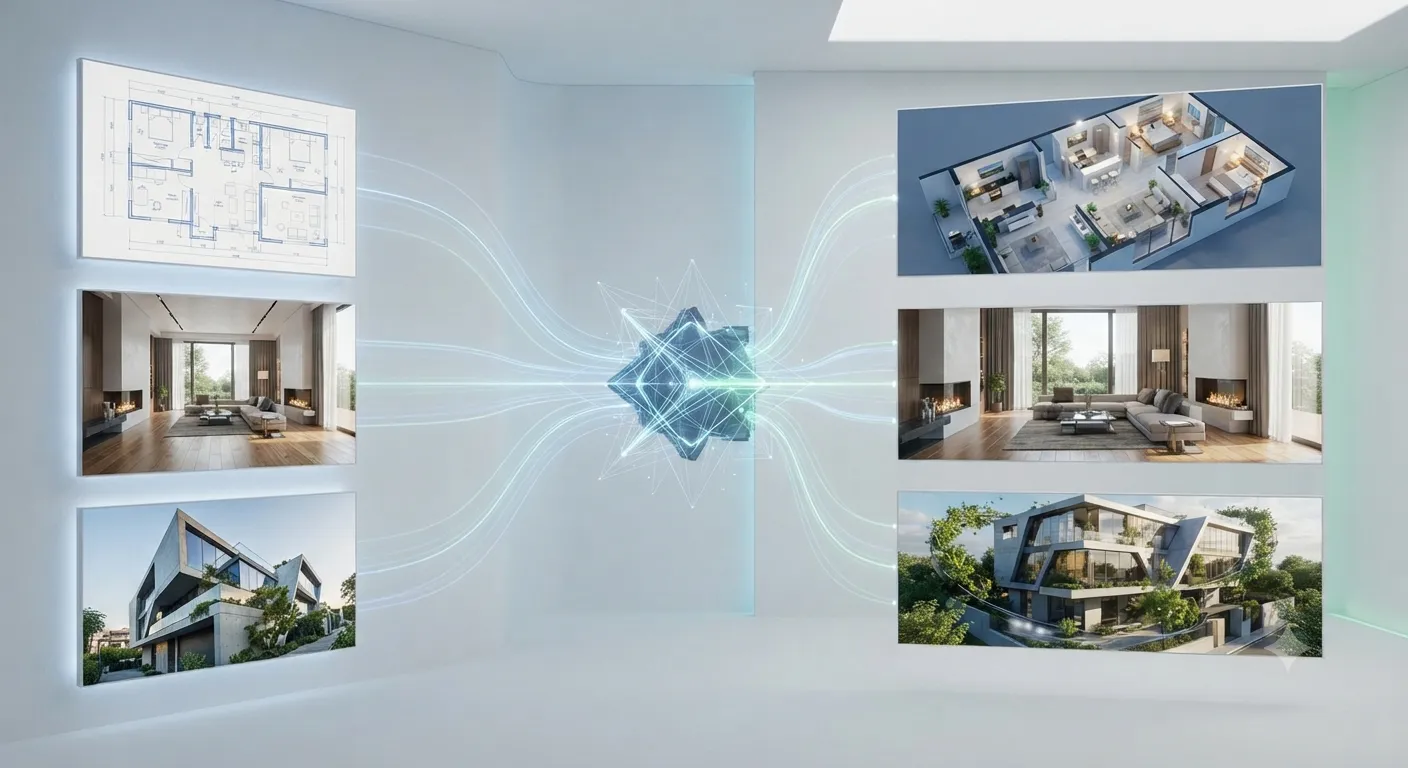
One engine, three input types. Upload a 2D floor plan, an interior design photo, or an exterior facade shot — the same AI generates consistent, professional animation results across all three. For richer results, design the interior space first and then bring it to life with animation.
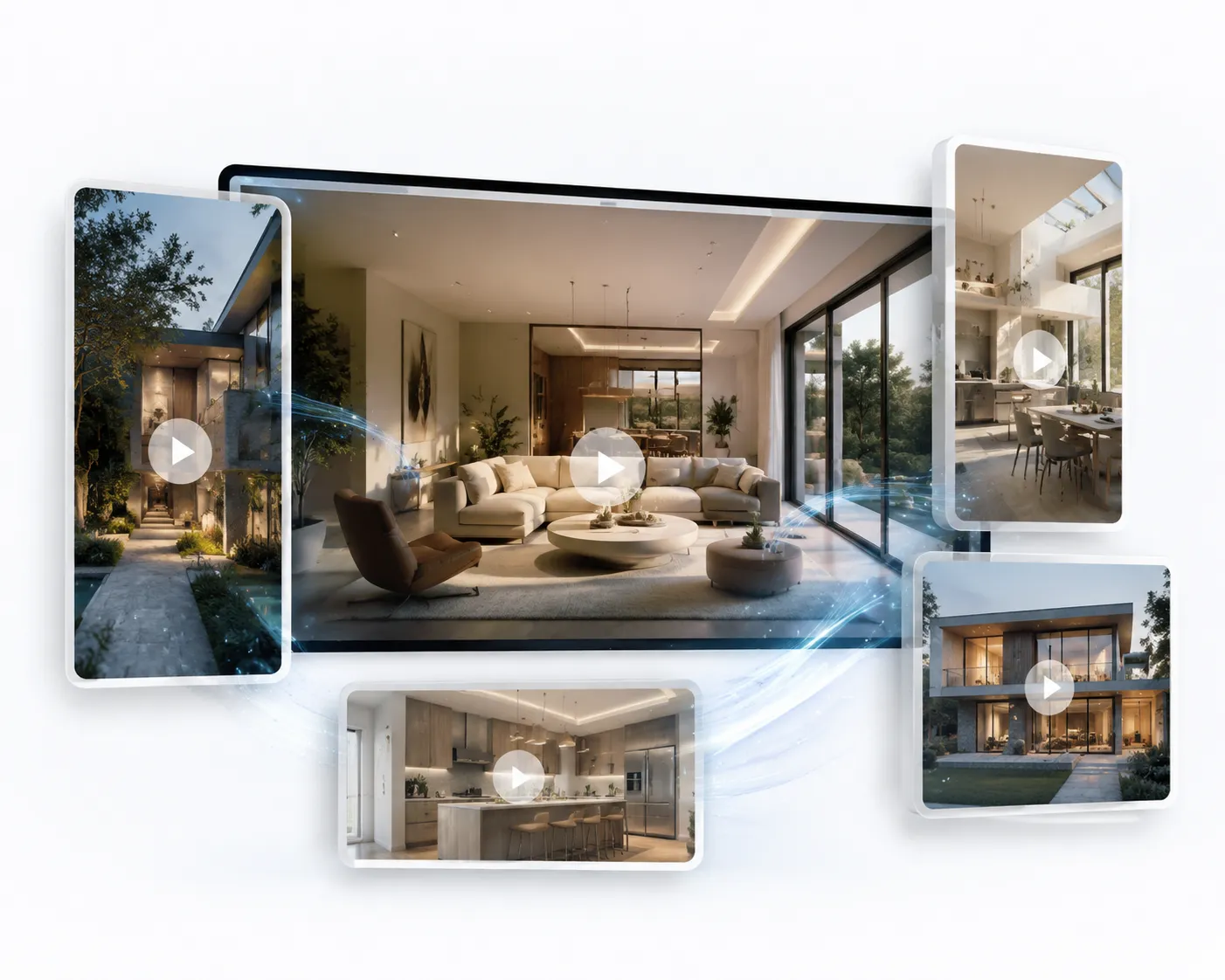
Every video exports in the format and quality you need — no transcoding, no re-rendering. Toggle background music on or off, pick the right aspect ratio for your platform, and download instantly.
Turn a static design into an engaging animation in three straightforward steps.
Add a before-and-after pair for a Transition, or upload one room image for a Drone animation.
Pick a transition or camera motion, then select aspect ratio, resolution, duration, and optional music.
Create your video, preview the result, and access completed animations again from your history.
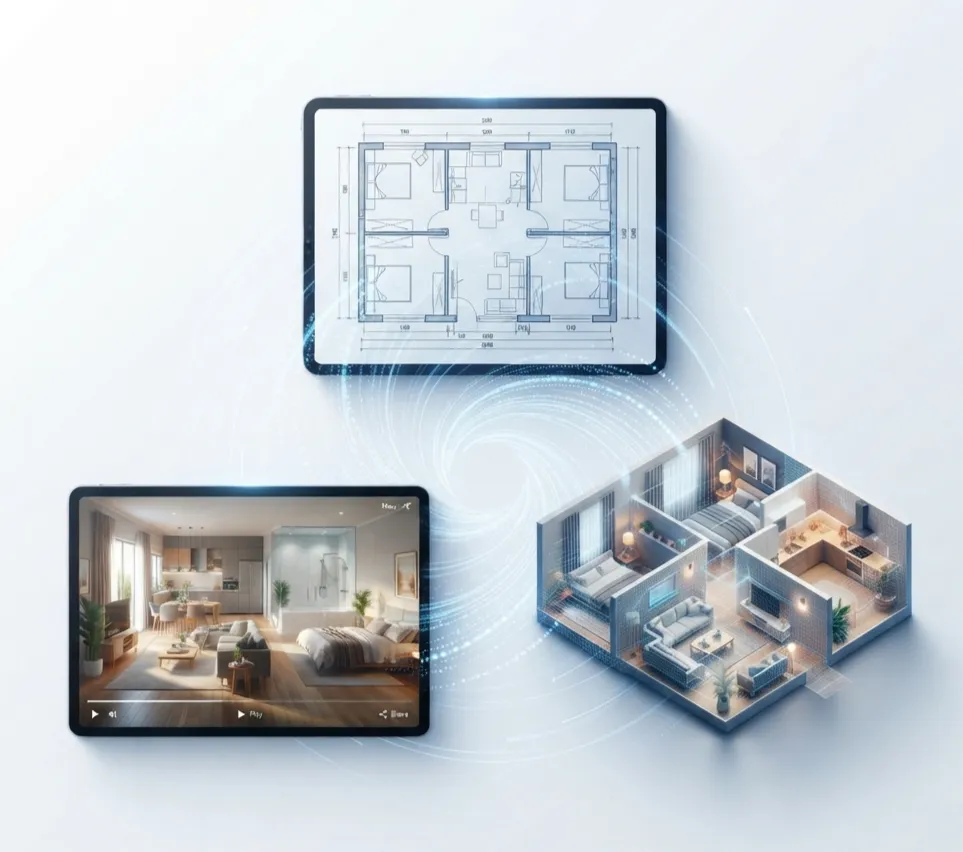
Create clearer, more engaging design presentations for clients, listings, and personal projects.
Create listing-ready animated videos that help properties stand out.

Present room transformations with more impact than static mood boards.
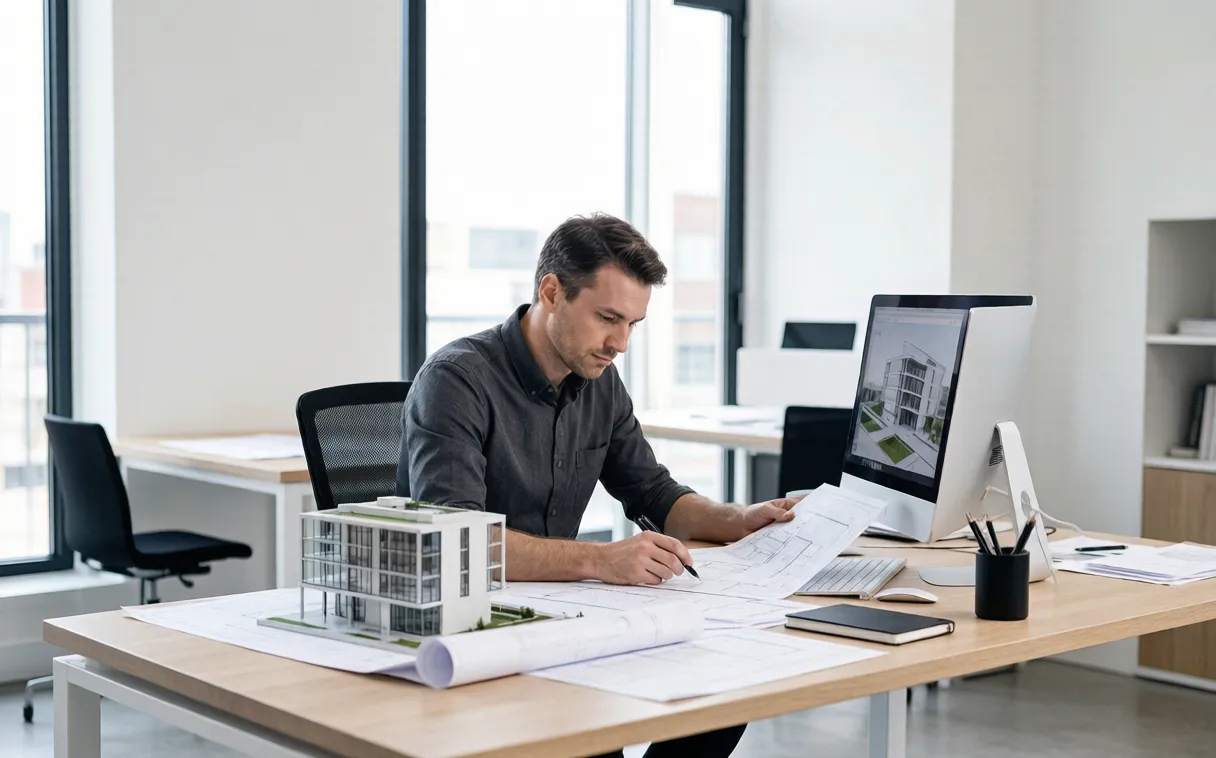
Communicate design concepts through clear, cinematic movement.
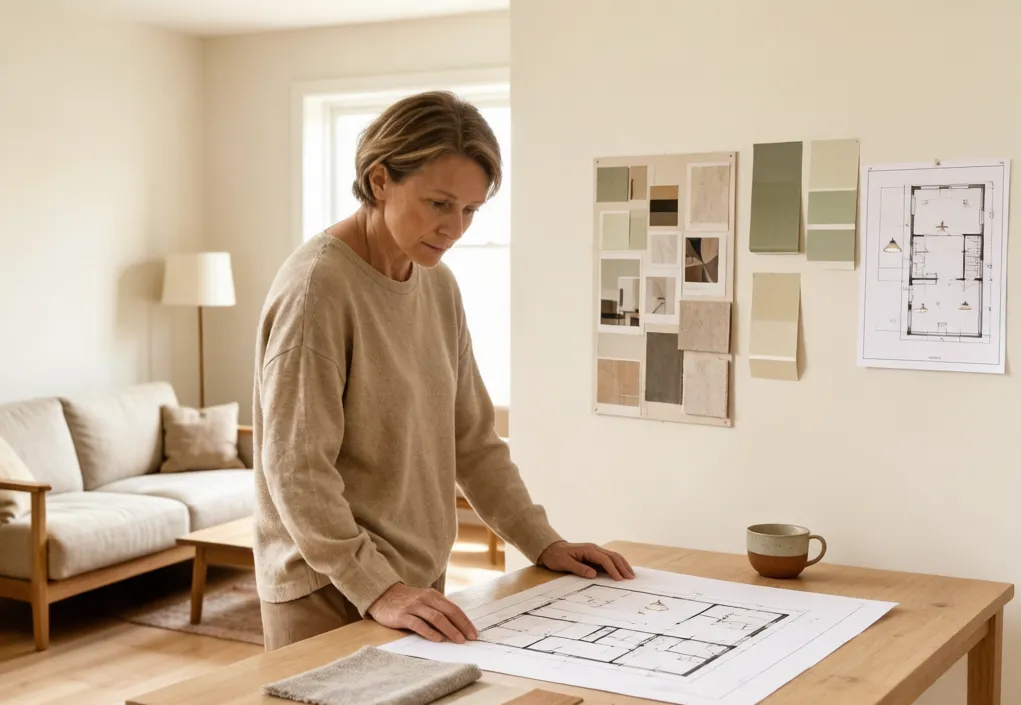
Visualize renovation ideas and share them with family or contractors.
Flexible controls for real design and property workflows.
2 Modes
Create before-and-after reveals or cinematic fly-throughs in one tool.
4–8s
Choose a short video length that fits presentations and social content.
7
Preview and select from seven motion styles built for design imagery.
3 Inputs
Animate multiple architectural and design image types with one workflow.
Everything you need to know before creating your first animation.
Create a professional AI design video online with a workflow made for floor plans and spaces.
Continue your project with tools for creating, editing, and visualizing floor plans.