
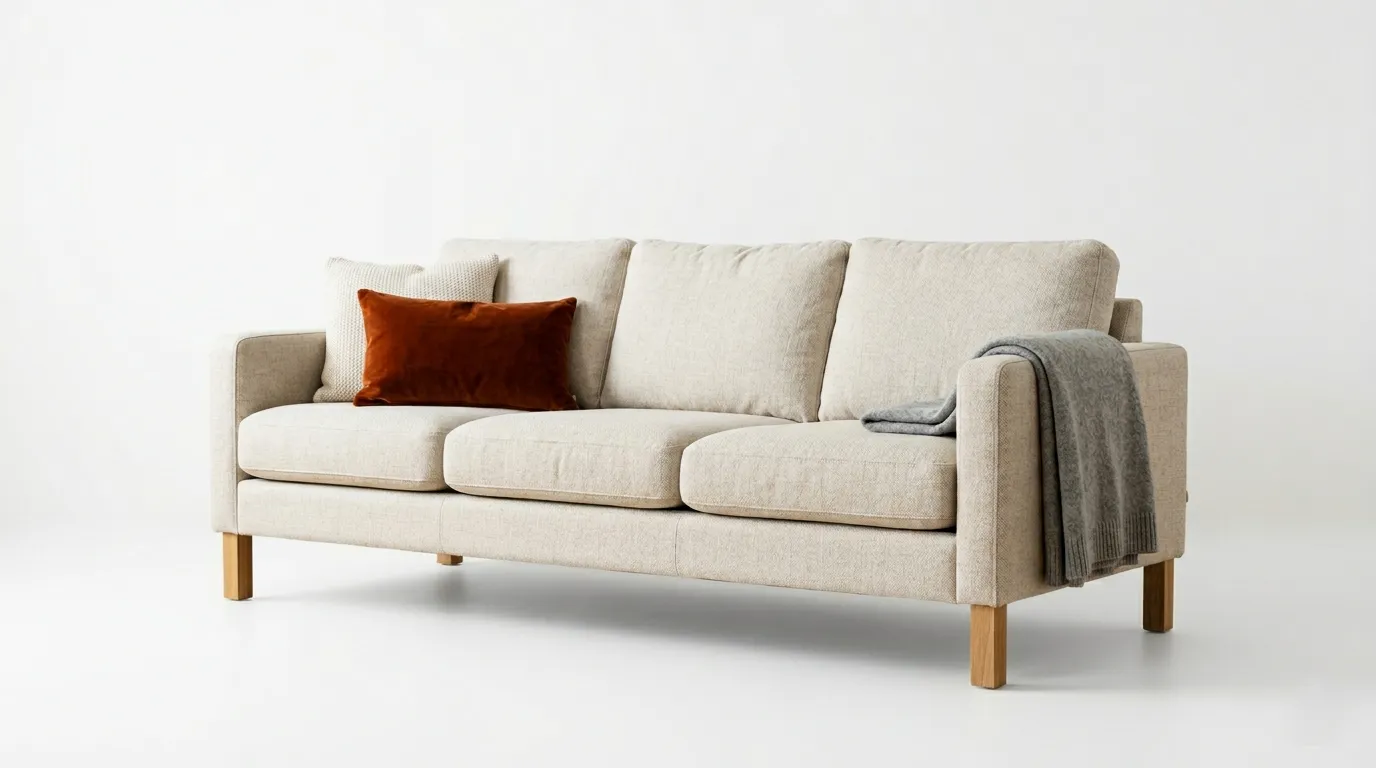
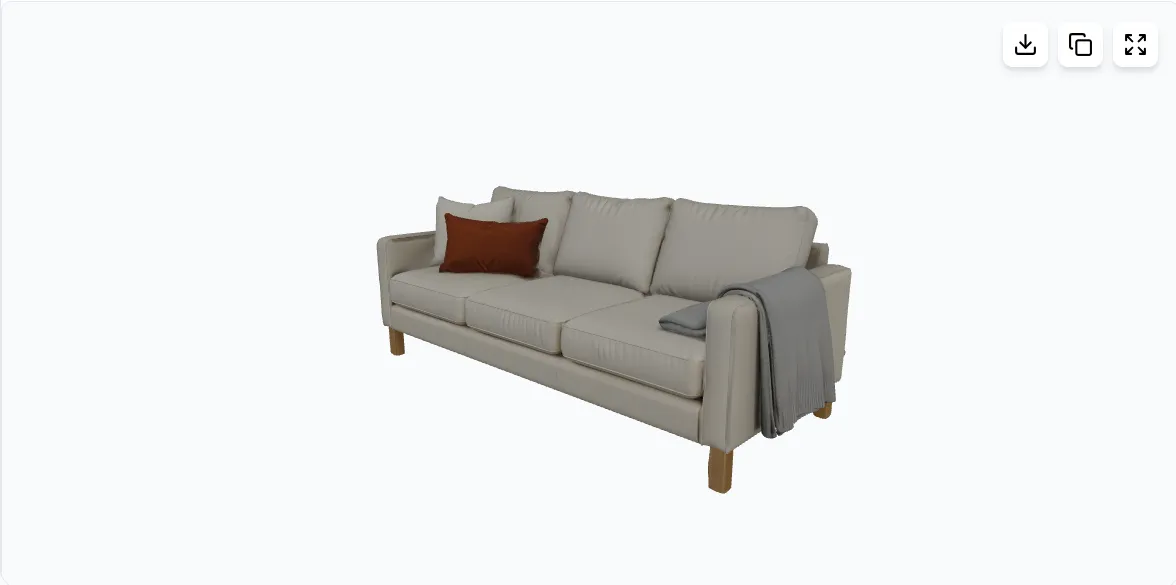
Turn images, sketches, or text into detailed 3D models.
AI 3D Generator — Create 3D Models from Images & Text
Transform images, text descriptions, sketches, or floor plans into high-quality 3D assets. Generate detailed models for games, AR/VR, e-commerce, architecture, and 3D printing using AI.
Perfect for Every Industry
Our AI 3D Generator serves creators across multiple industries with professional-quality 3D assets
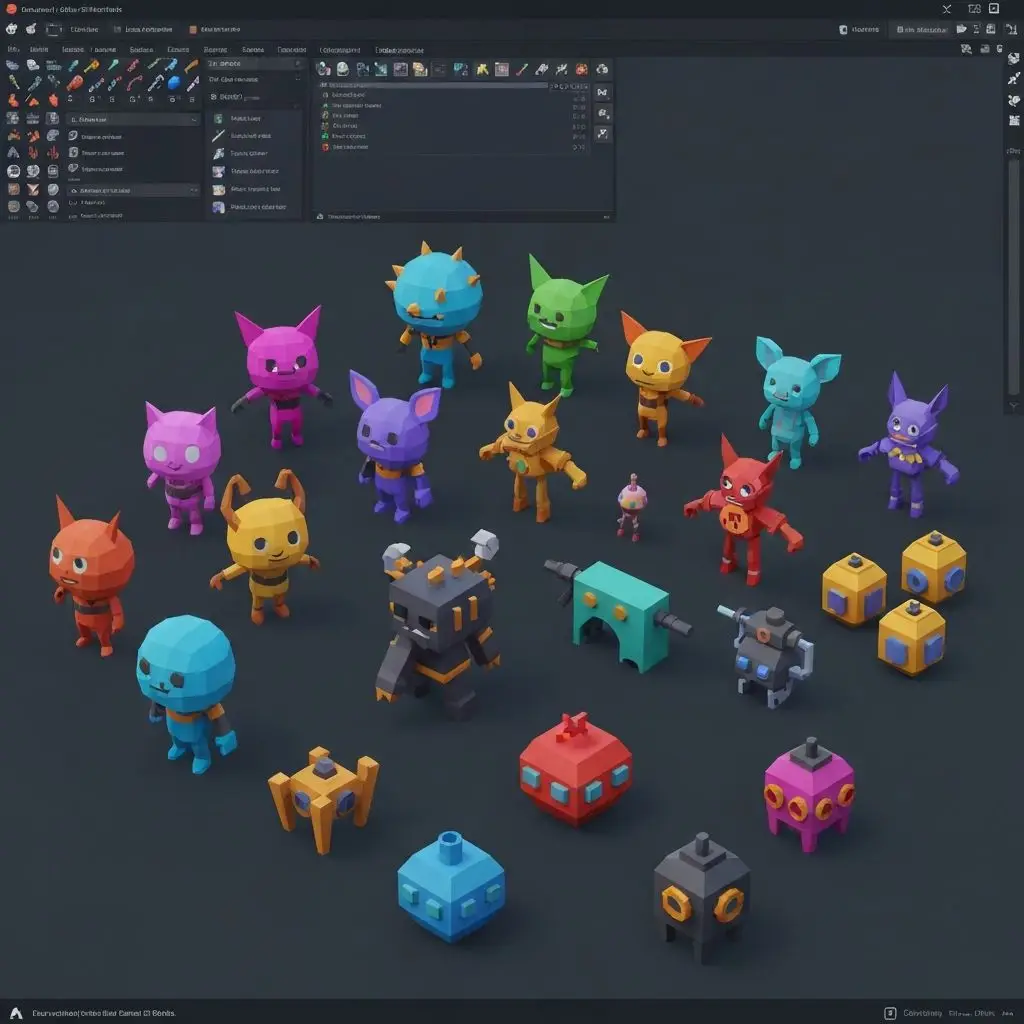
Game Development
Create game-ready 3D assets, characters, props, and environments quickly for indie or AAA productions using an AI 3D model generator.
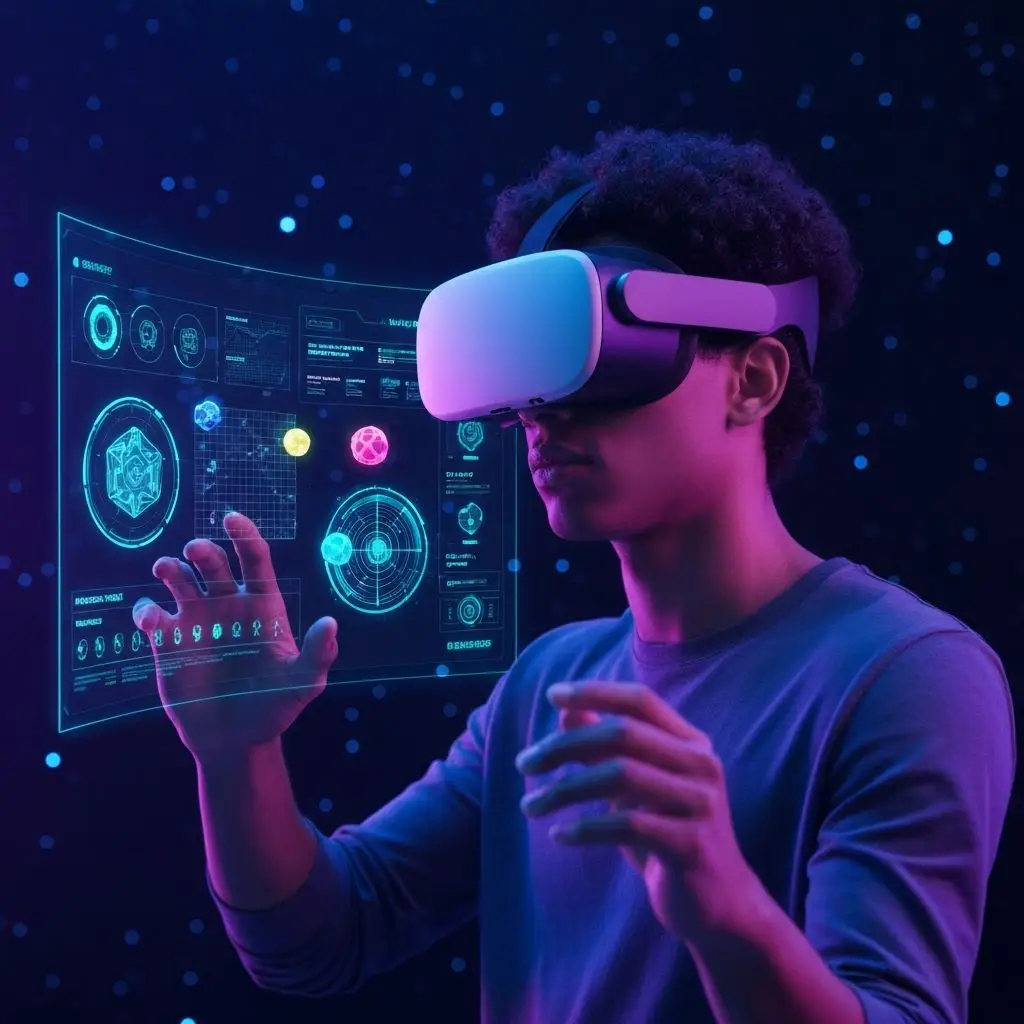
AR/VR Applications
Generate immersive 3D content for augmented and virtual reality experiences with optimized formats.
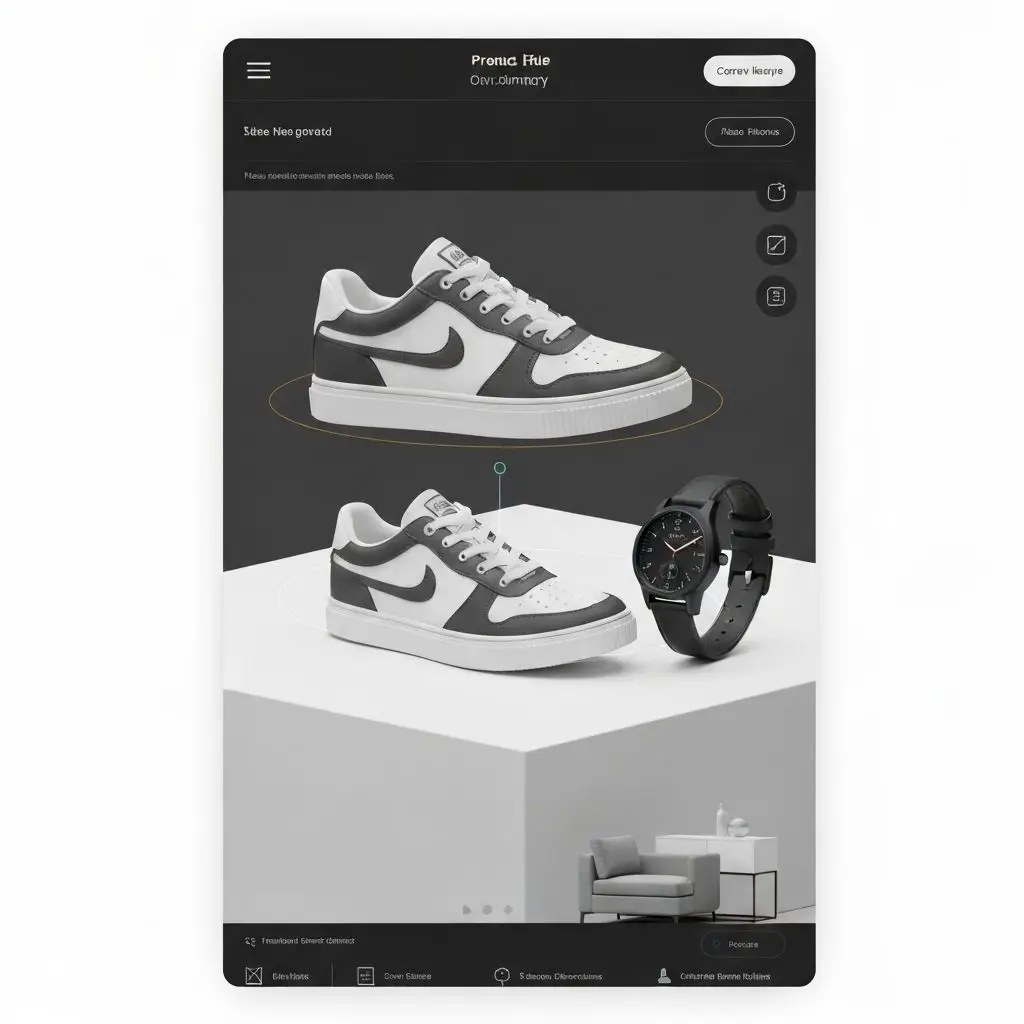
E-commerce & Retail
Showcase products with interactive 3D models generated from image to 3D model AI workflows, improving customer engagement and conversion rates.
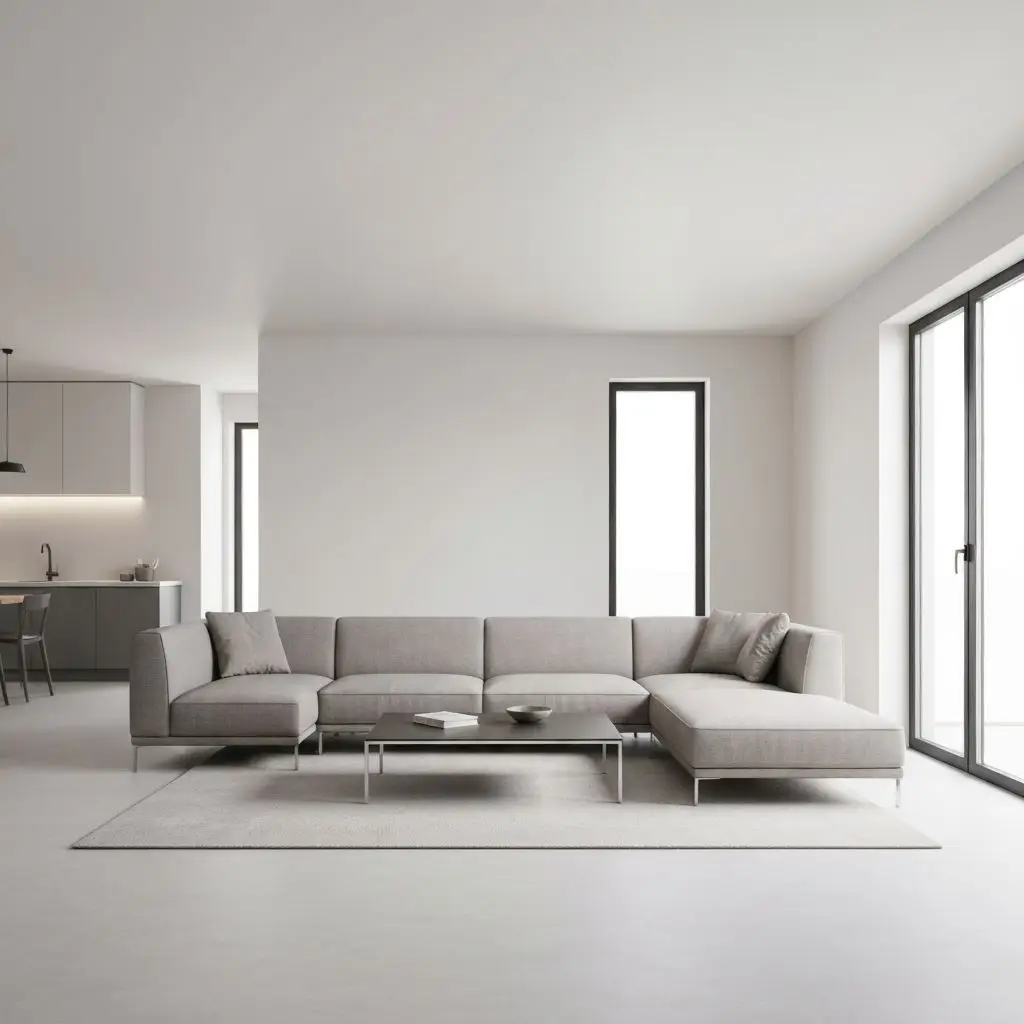
Architecture & Interior
Visualize furniture, interiors, and architectural elements. You can also convert floor plans into 3D visual concepts using an AI 3D generator(floor plan AI 3D).
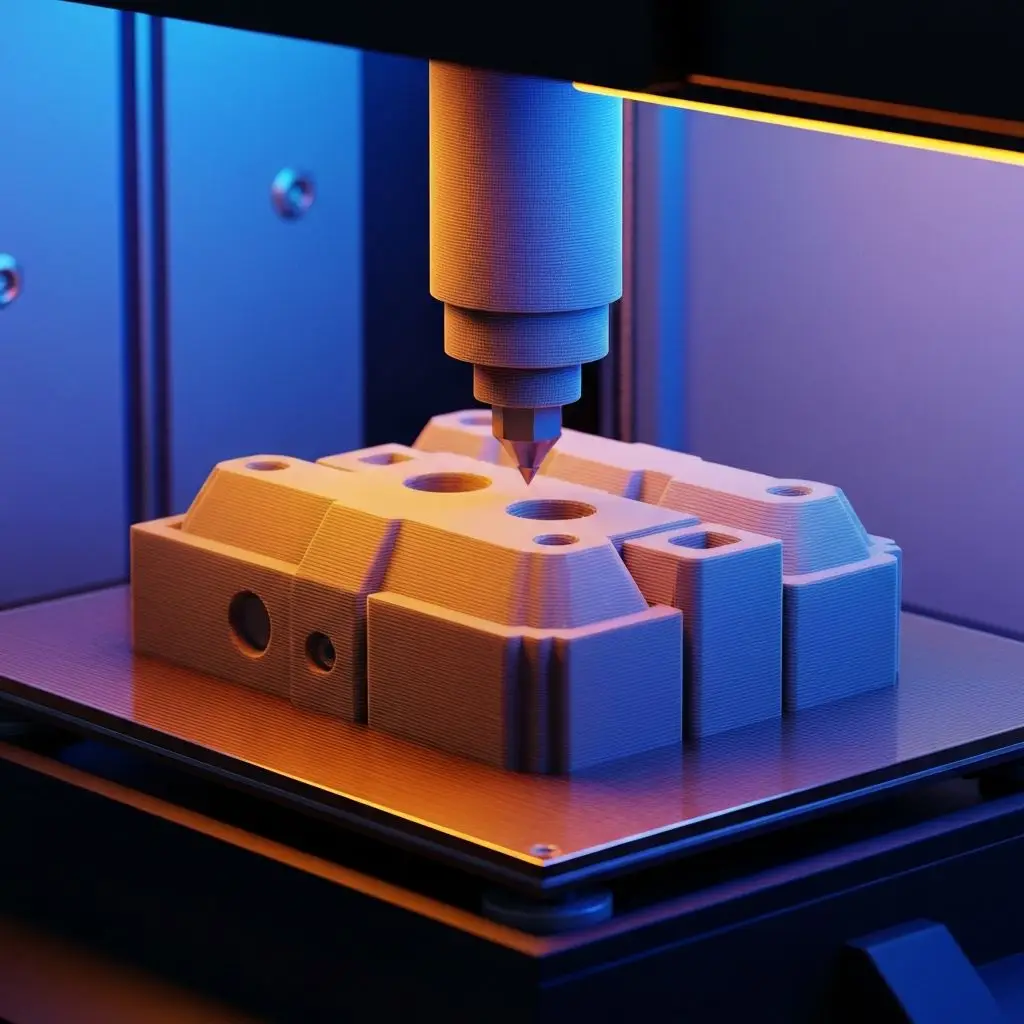
3D Printing
Generate printable 3D models in STL format for rapid prototyping and manufacturing applications.
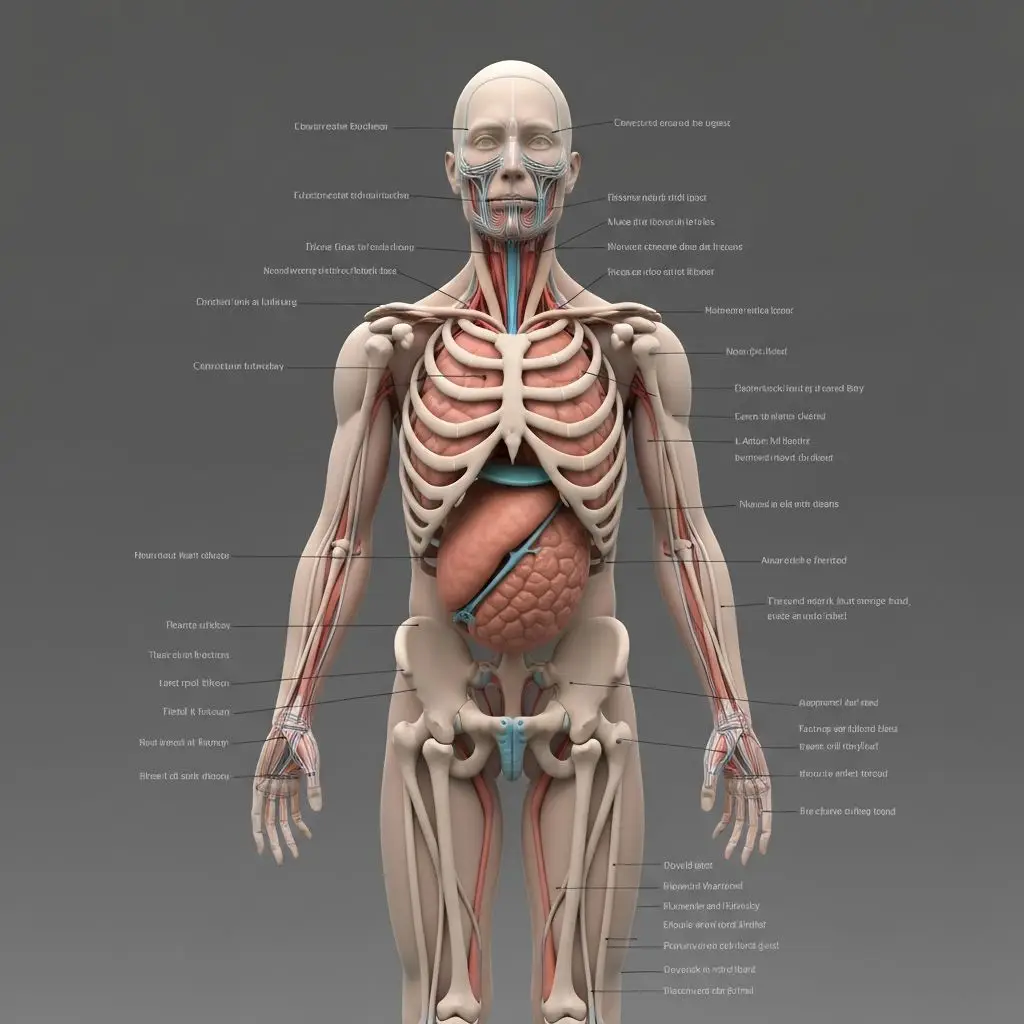
Education & Training
Create educational 3D models for interactive learning experiences and training simulations.
Supported AI Models
Inside the AI 3D Generator, you can choose Hunyuan3D variants optimized for speed, detail, or sketch workflows—each model uses the same export pipeline.
Hunyuan3D 3.1
RecommendedThe latest version with improved generation speed and quality. Best for most use cases with excellent balance of speed and output quality.
- Image to 3D
- Text to 3D
- Fast Generation (~30s)
- PBR Materials
Hunyuan3D 3
AdvancedUltra-high resolution with additional sketch support. Ideal for detailed models requiring maximum quality and creative flexibility.
- Image to 3D
- Text to 3D
- Sketch to 3D
- Ultra-High Resolution
Key Capabilities
Everything you need inside the AI 3D Generator workspace: inputs, materials, mesh controls, and exports, all available without leaving the page.
Multiple Input Types
Generate 3D models from images, text descriptions, or hand-drawn sketches with ease
High-Quality Output
Get detailed 3D models with realistic textures, materials, and multiple format options
AI-Powered Generation
State-of-the-art Hunyuan3D AI models for accurate and creative 3D generation
PBR Materials
Automatic generation of physically-based rendering materials for realistic lighting
Fast Processing
Generate high-quality 3D models in as little as 30 seconds with optimized AI
Multi-View Support
Upload multiple angles for more accurate 3D reconstruction with 7 view angles
Multiple Formats
Export your models in GLB, FBX, or STL formats for any use case
Commercial Ready
All generated models are ready for commercial use in games, apps, and products
How It Works
The AI 3D Generator walks you through three simple steps from reference to downloadable mesh.
Choose Your Input
Upload an image, write a text description, or draw a sketch of the 3D model you want to create.
Customize Settings
Select your preferred AI model, output format, face count, and enable PBR materials if needed.
Generate & Download
Click generate and watch as AI creates your 3D model. Download in GLB, FBX, or STL format.
Frequently Asked Questions
Everything you need to know about the AI 3D Generator—inputs, exports, materials, credits, and quality settings.
Start Creating 3D Models Today
Transform your ideas into stunning 3D assets with our AI-powered generator. No 3D modeling experience required.